UI/UX Design system for AR Devices
UX/UI, 2025
- Project
- UI/UX Design System for AR Devices
- Role
- Lead UI/UX Designer
- Company
- RealWear
- Industry
- Industrial AR Wearables
Project overview
As the lead UI/UX Designer at RealWear, I led the creation of a comprehensive design system for industrial-grade augmented reality (AR) wearables. The goal was to enhance usability, accessibility, and efficiency for frontline workers operating in complex, high-pressure environments such as manufacturing, field maintenance, and logistics. The system aimed to ensure consistent, scalable, and intuitive interfaces across multiple AR applications, while addressing the unique constraints of hands-free, voice-controlled interaction.
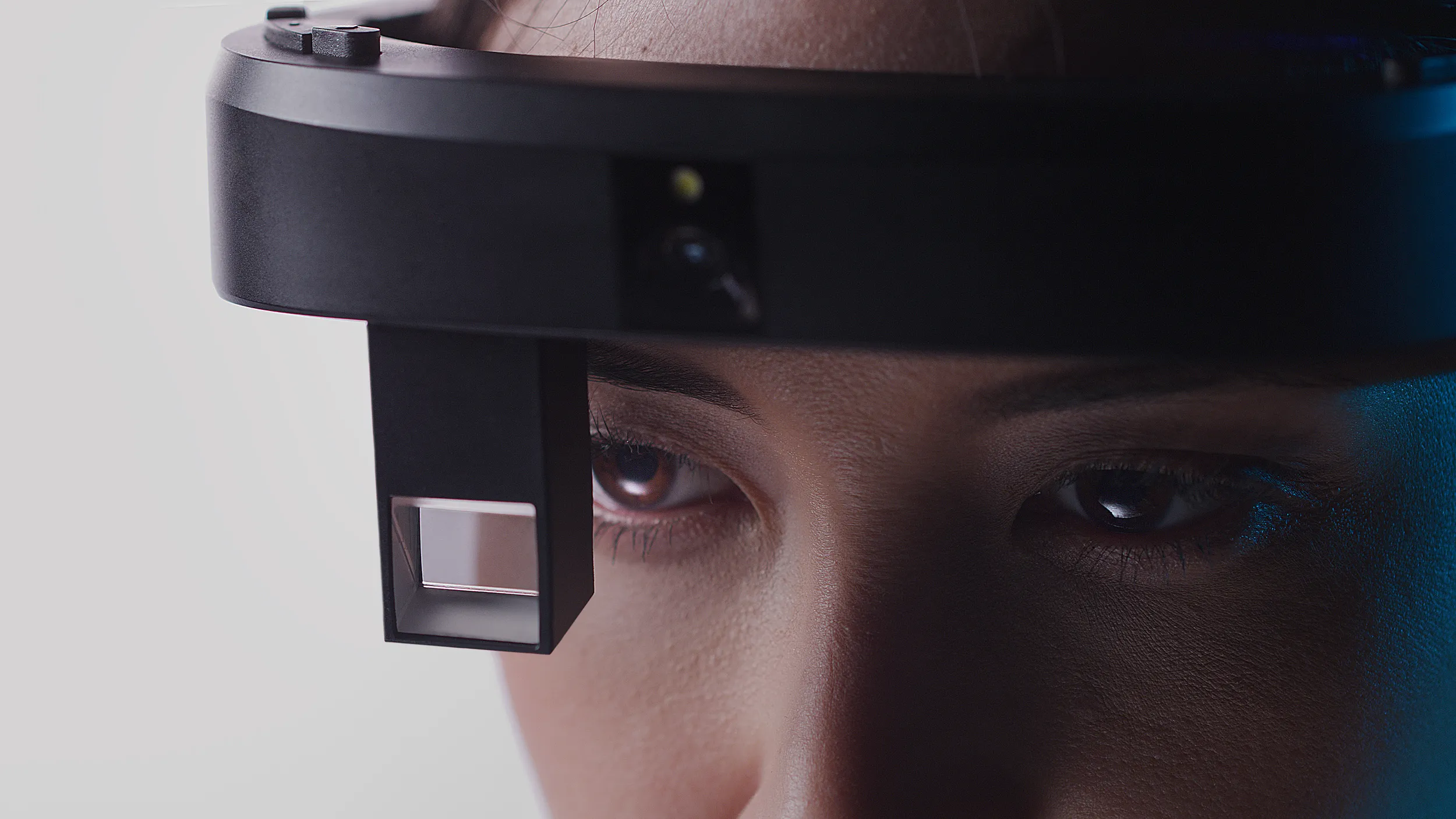
Research & Concept Development
User-Centered Research
The project began with user-centered research, which gathered insights from frontline workers in industrial environments. I worked closely with this data, analyzing findings from interviews, user journey mappings, and contextual observations to define key user needs and interaction constraints. Based on these insights, I created low- and mid-fidelity prototypes exploring layout strategies, voice-command flows, and visual clarity optimized for AR. Usability testing was carried out in real-use scenarios, and I supported the iteration of designs to enhance accessibility for users operating in safety gear or noisy conditions.
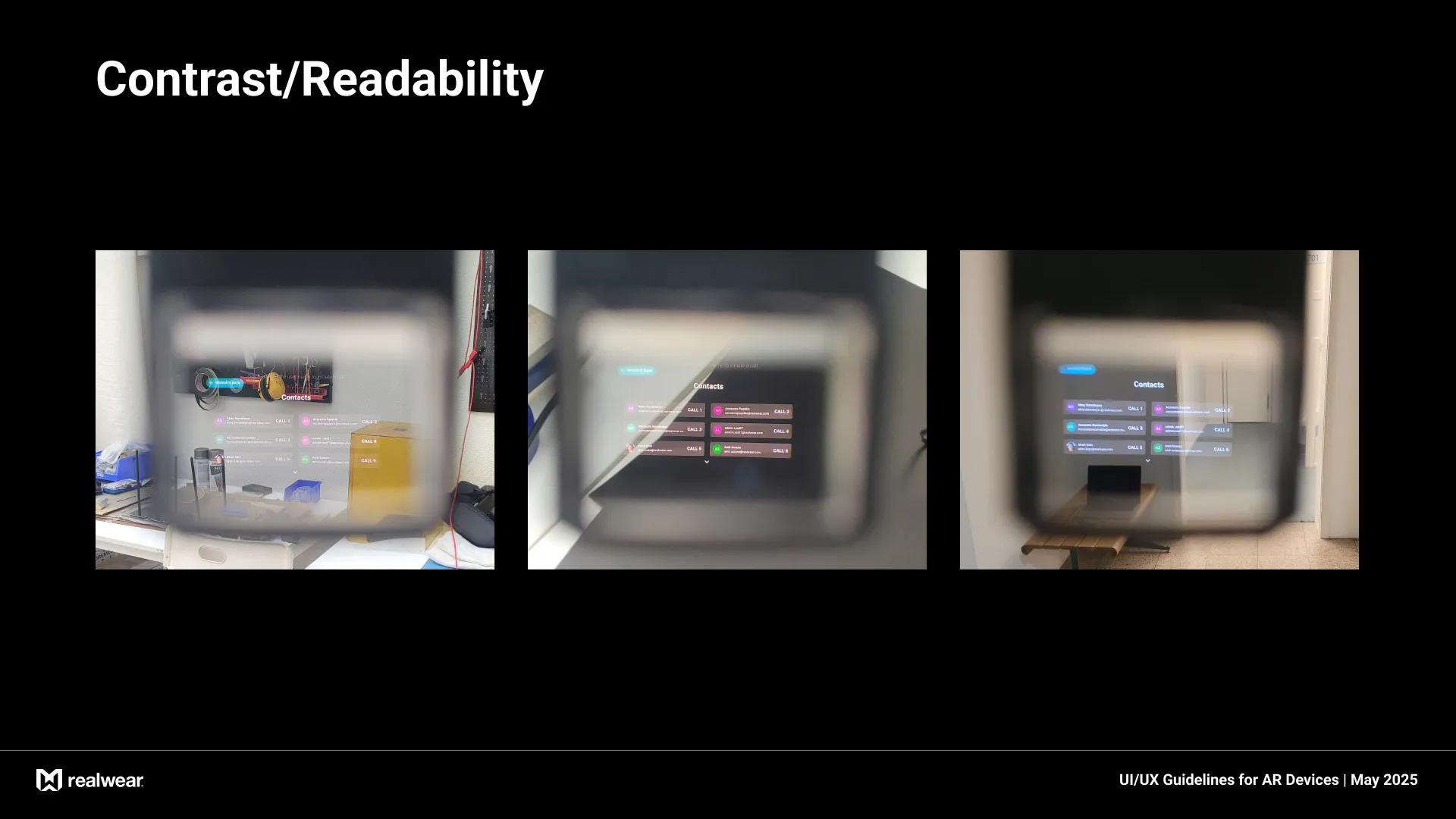
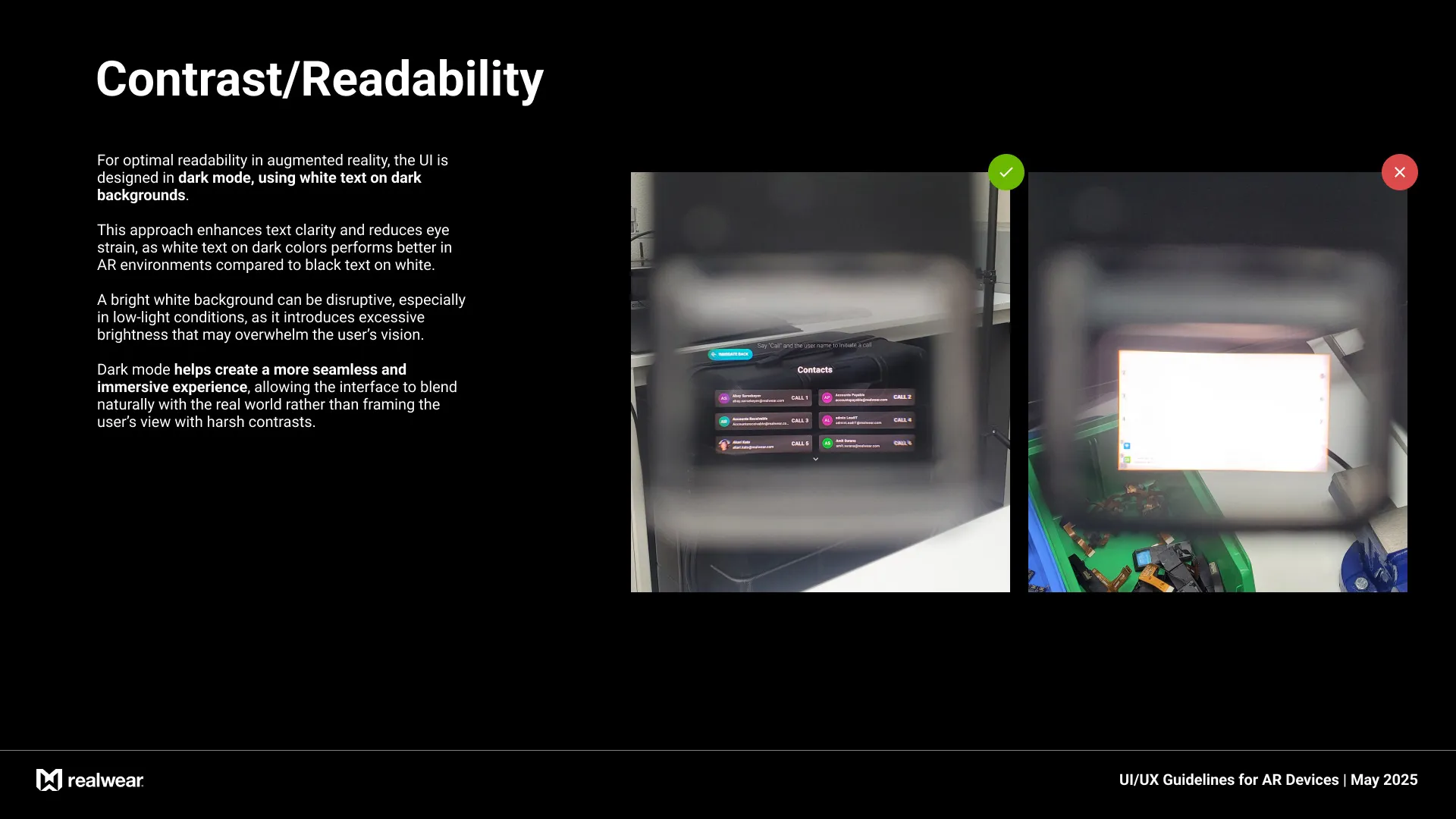
DESIGN SYSTEM
AR FOUNDATIONS
This document provides comprehensive guidelines for designing intuitive and effective user interfaces for Augmented Reality (AR) devices.
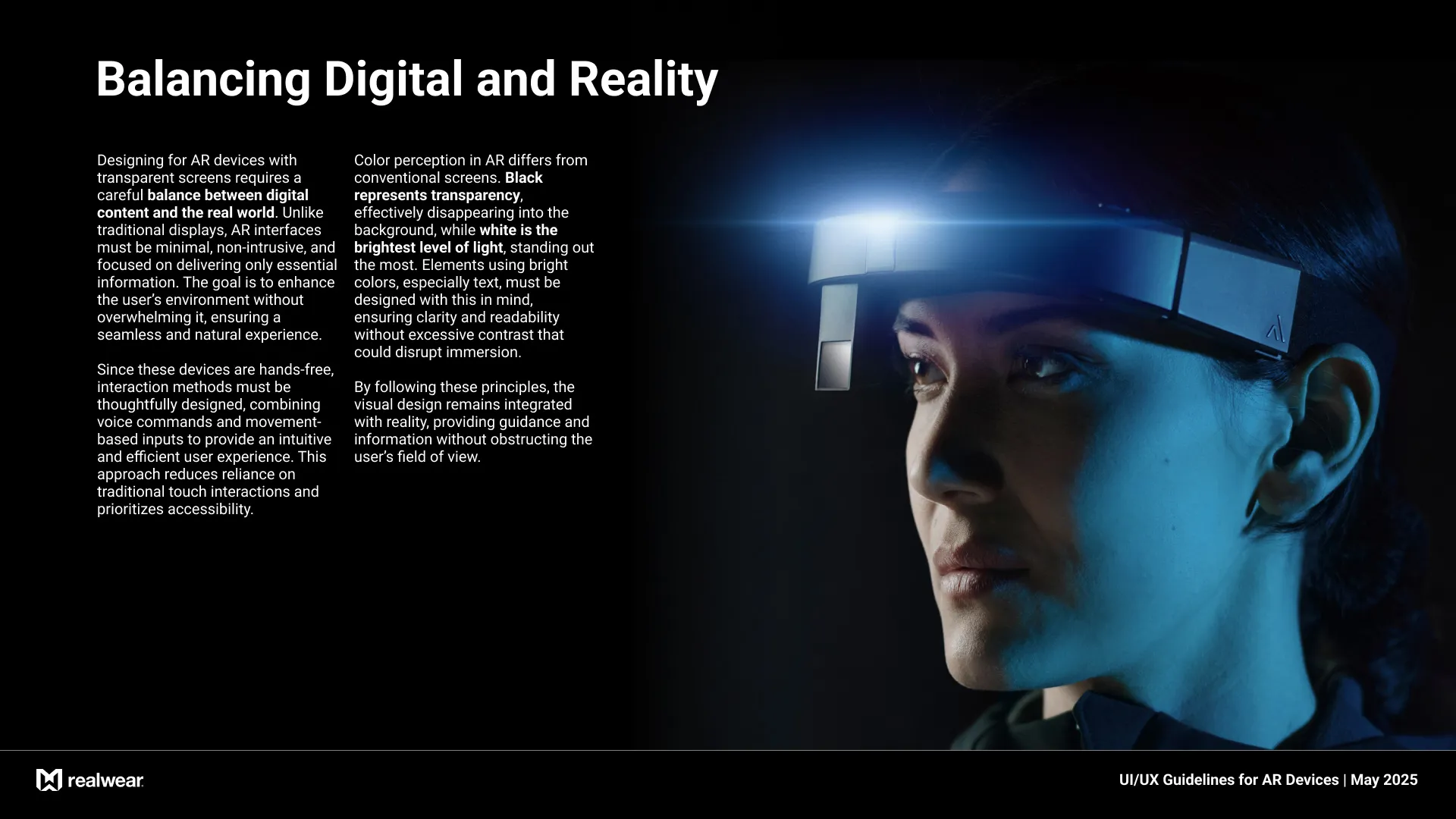
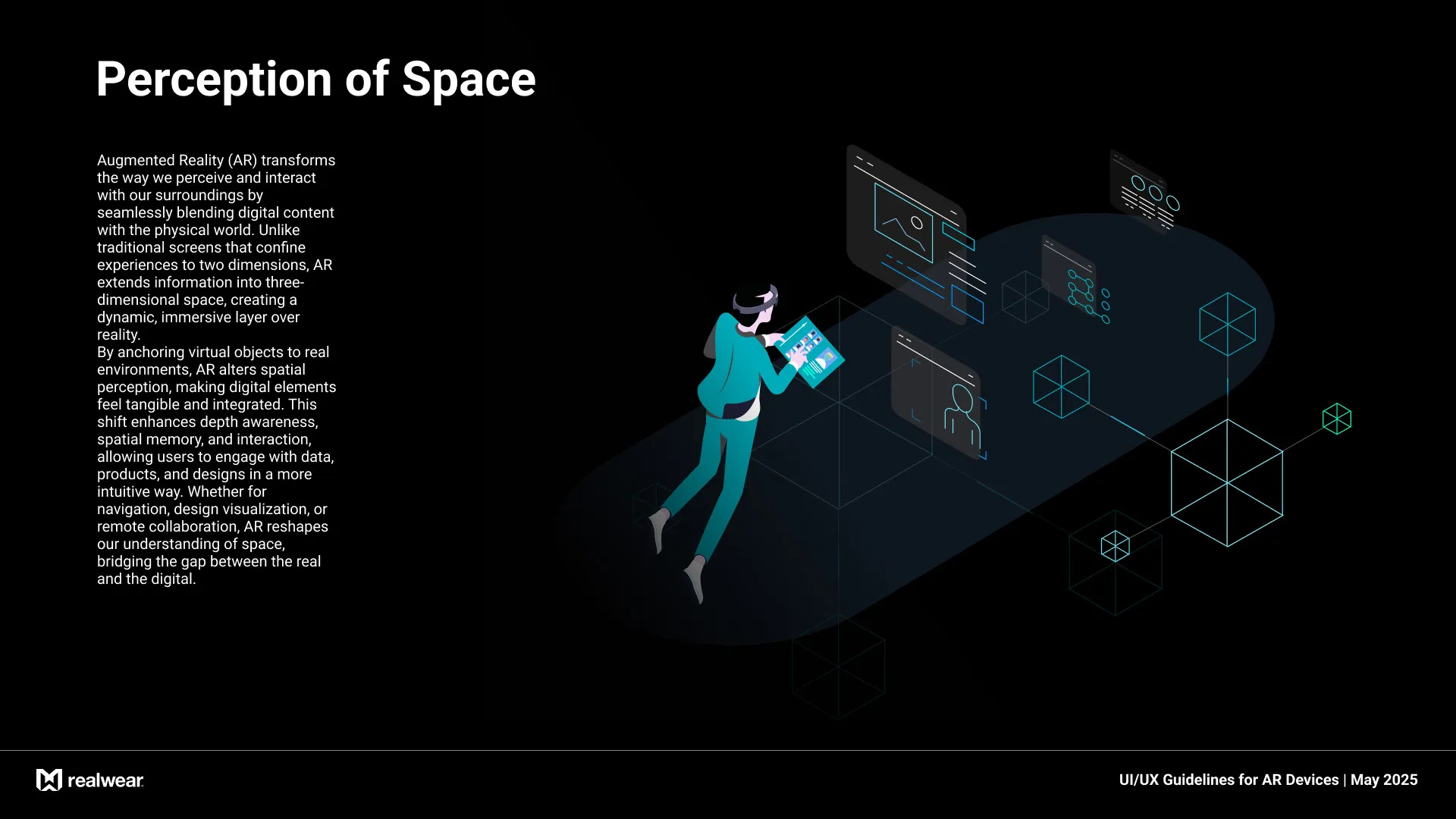
Unlike traditional screens, AR interfaces must seamlessly integrate digital content into the physical world while maintaining clarity, usability, and immersion.
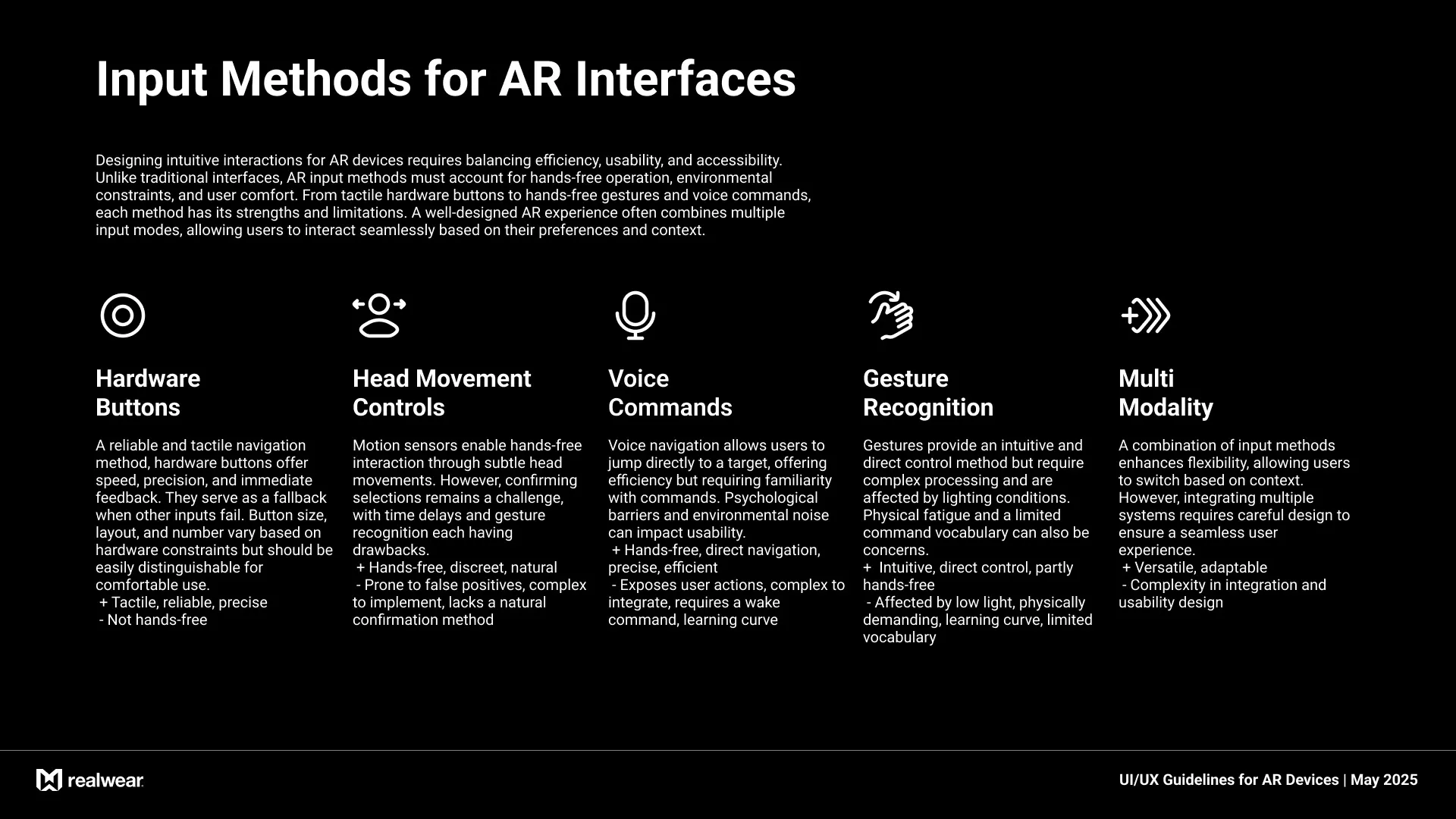
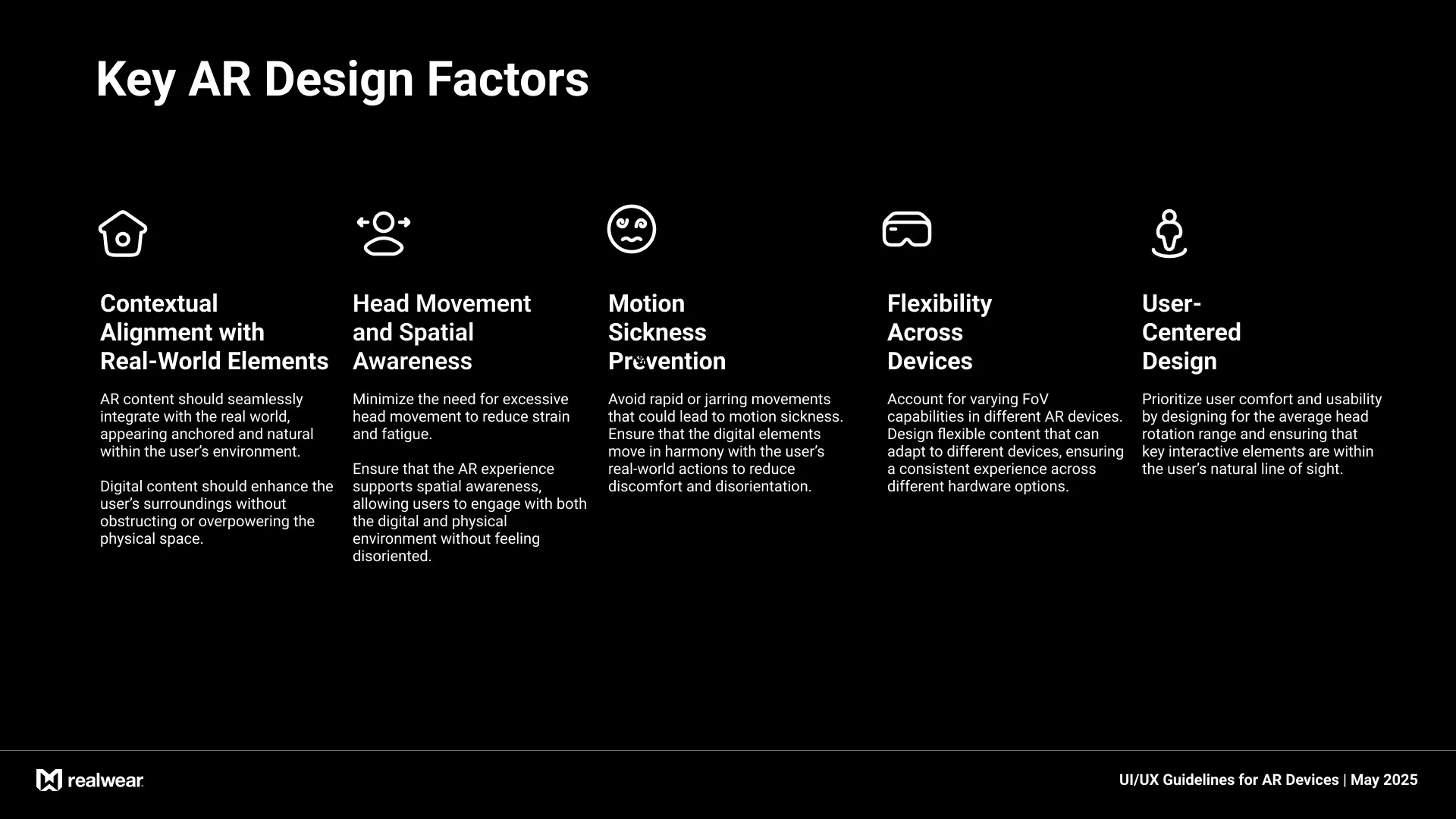
The guidelines cover key principles such as spatial design, interaction methods, space perception, and multi-modal input strategies. Each section explores best practices, challenges, and solutions to ensure a seamless and user-friendly experience. By following these recommendations, designers and developers can create AR experiences that are intuitive, efficient, and aligned with user expectations in real-world environments.
Unlike traditional screens, AR interfaces must seamlessly integrate digital content into the physical world while maintaining clarity, usability, and immersion.
The guidelines cover key principles such as spatial design, interaction methods, space perception, and multi-modal input strategies. Each section explores best practices, challenges, and solutions to ensure a seamless and user-friendly experience. By following these recommendations, designers and developers can create AR experiences that are intuitive, efficient, and aligned with user expectations in real-world environments.
Component Guidelines
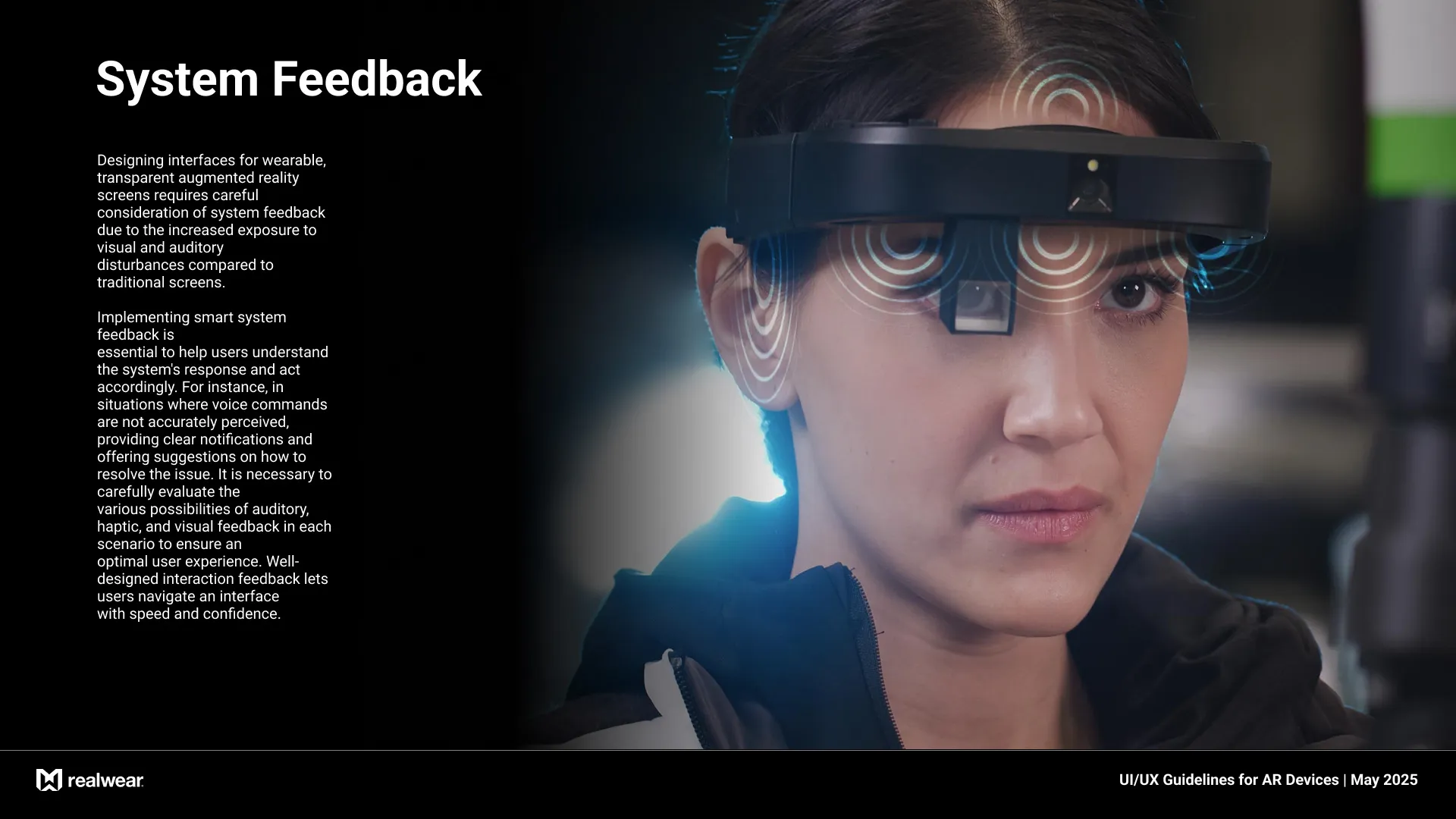
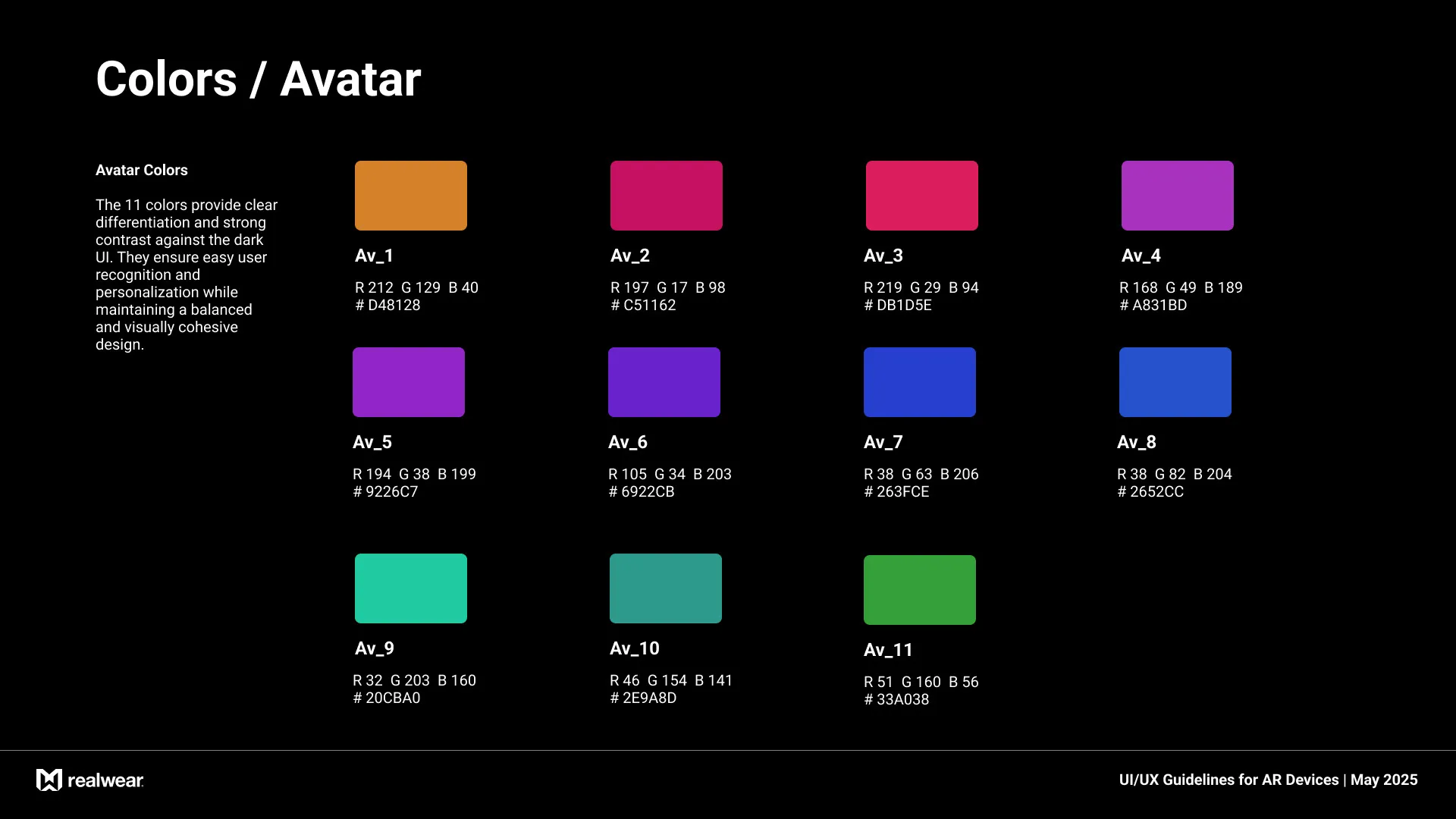
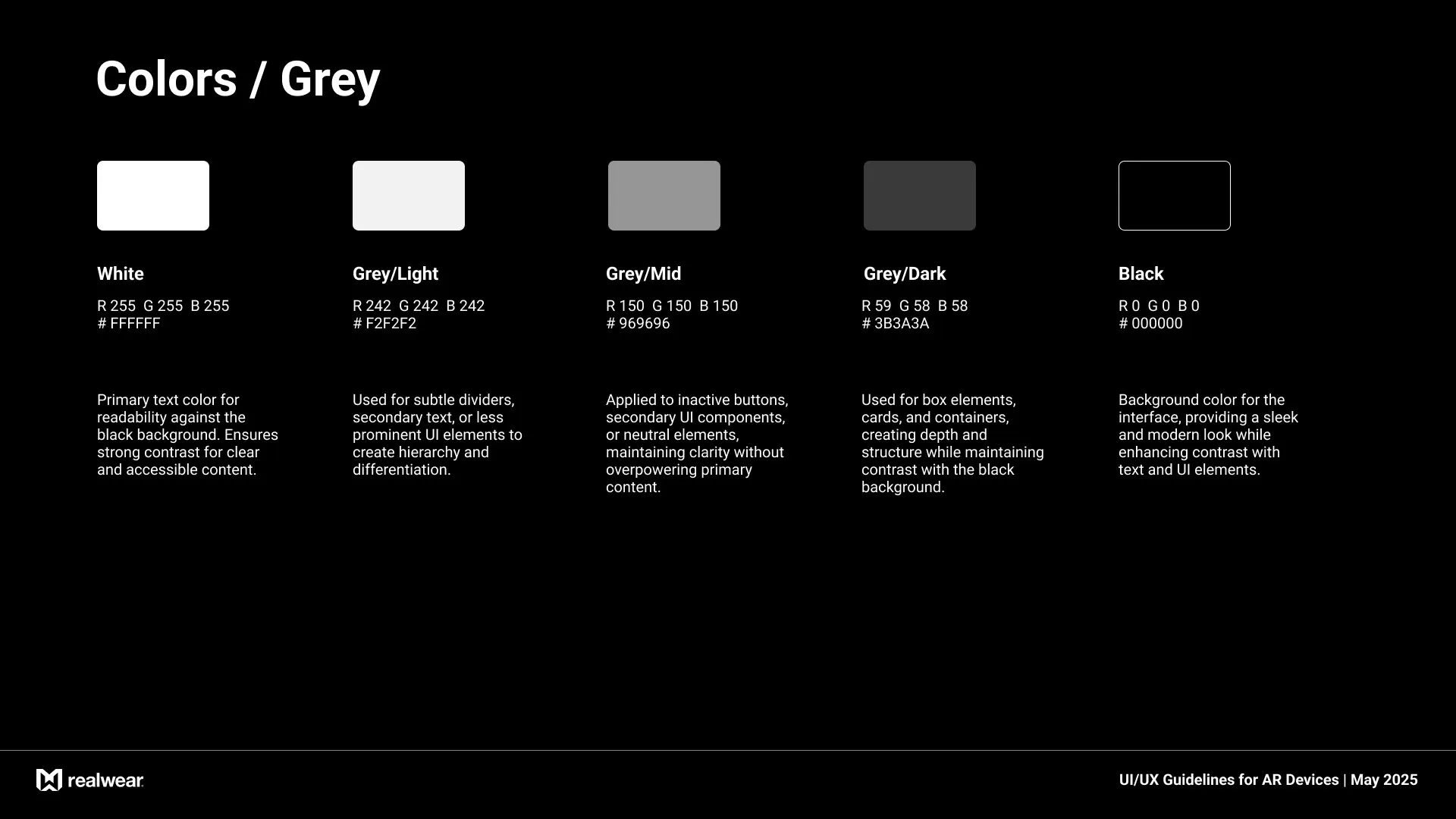
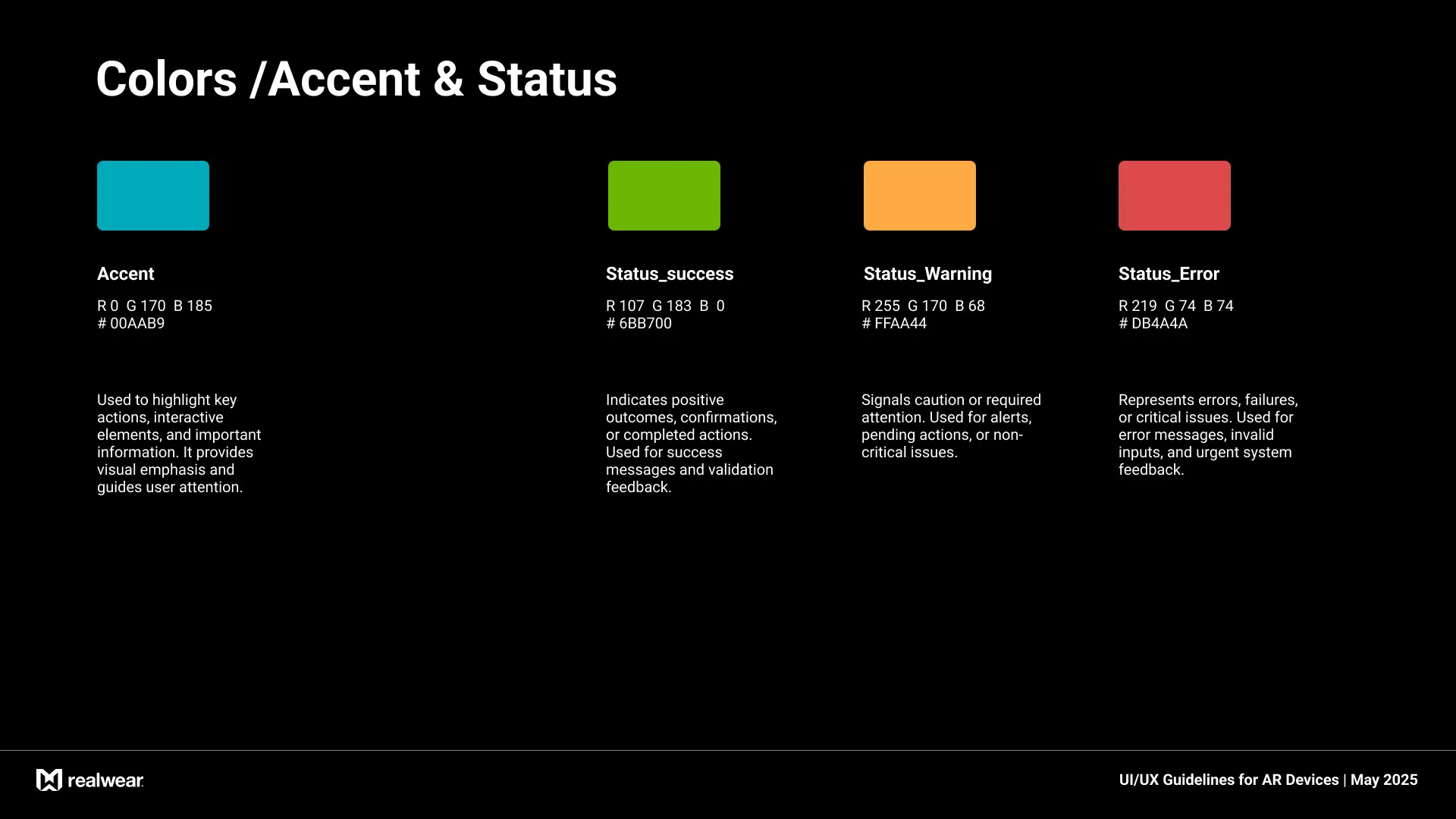
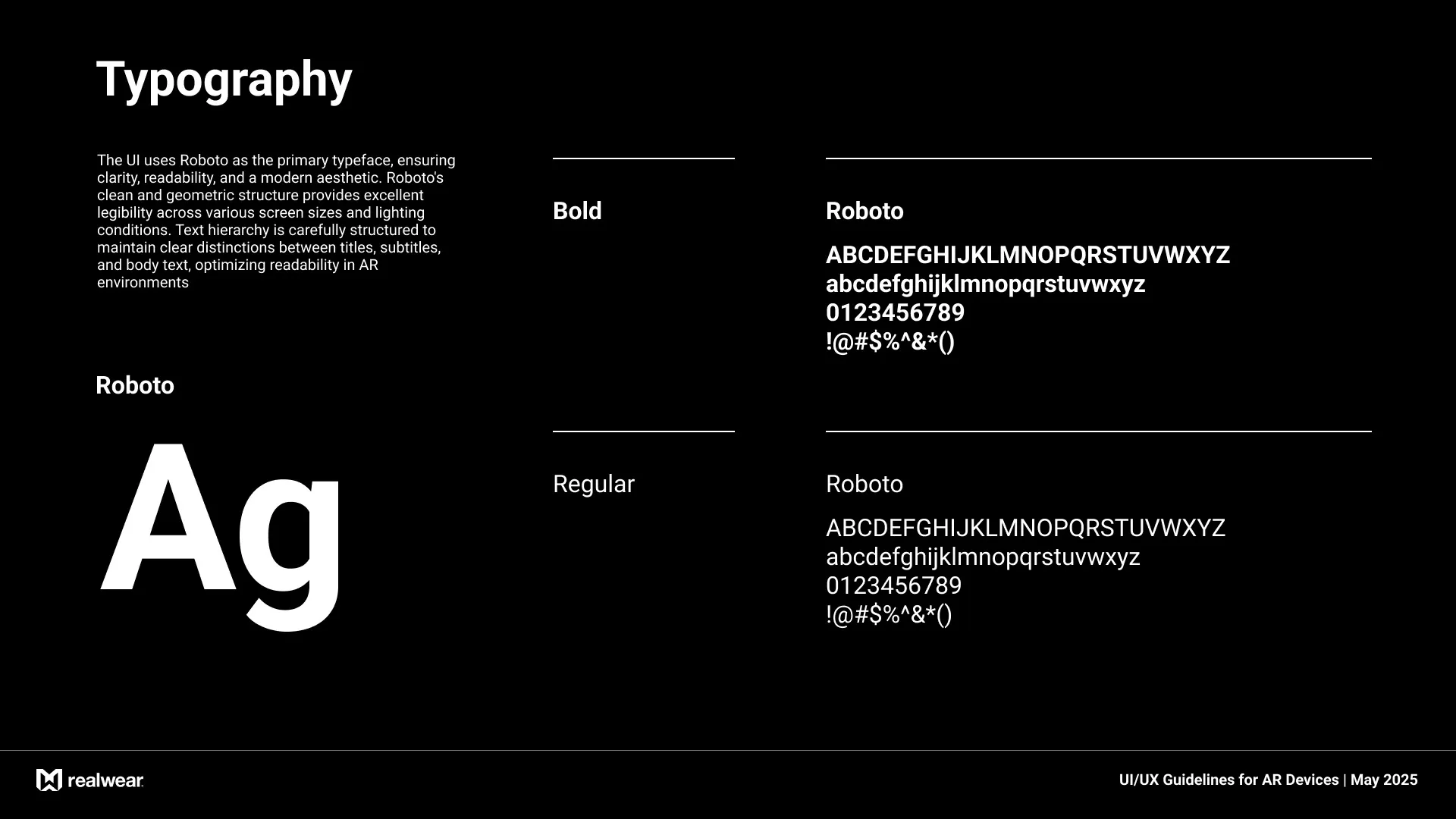
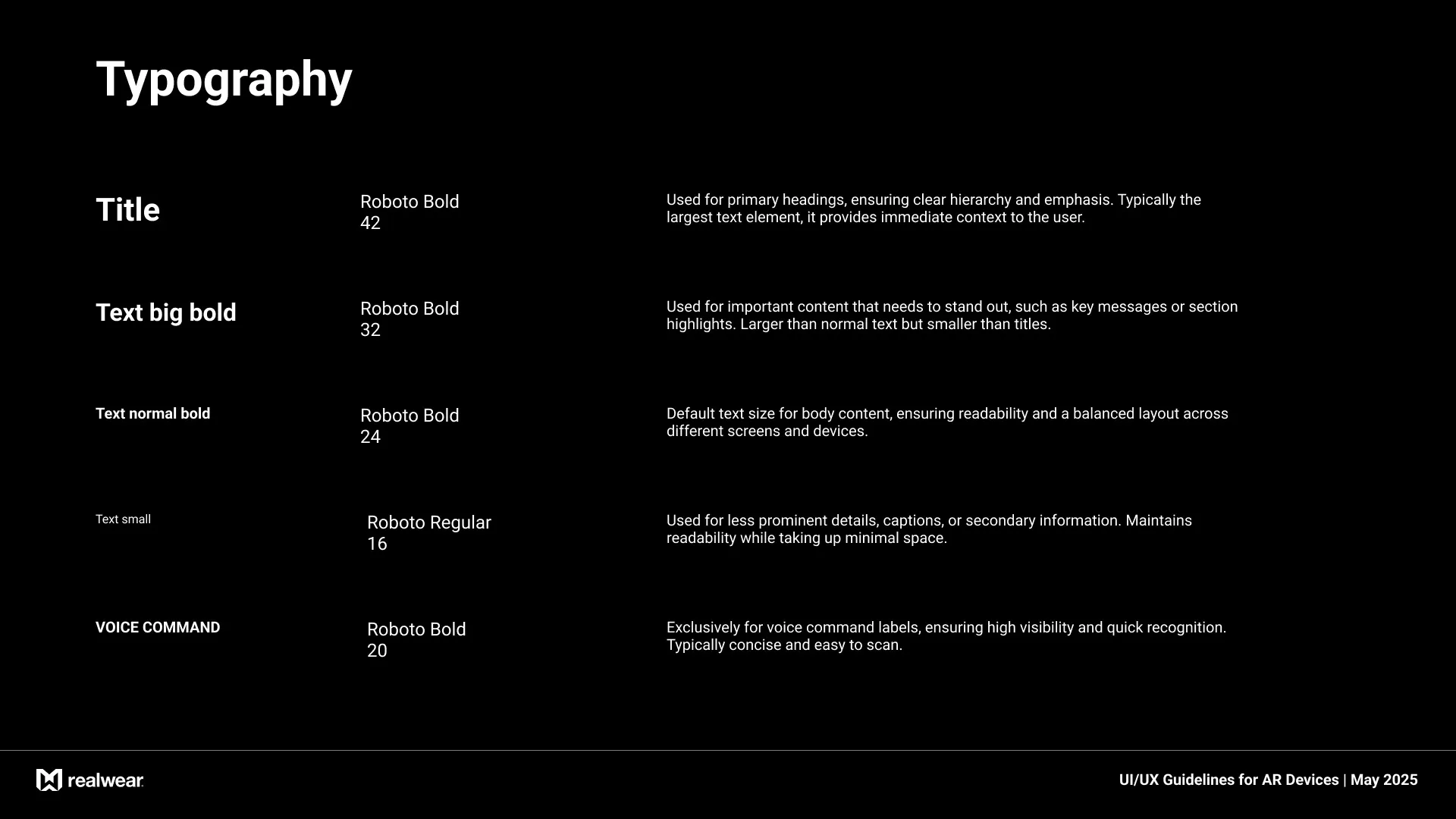
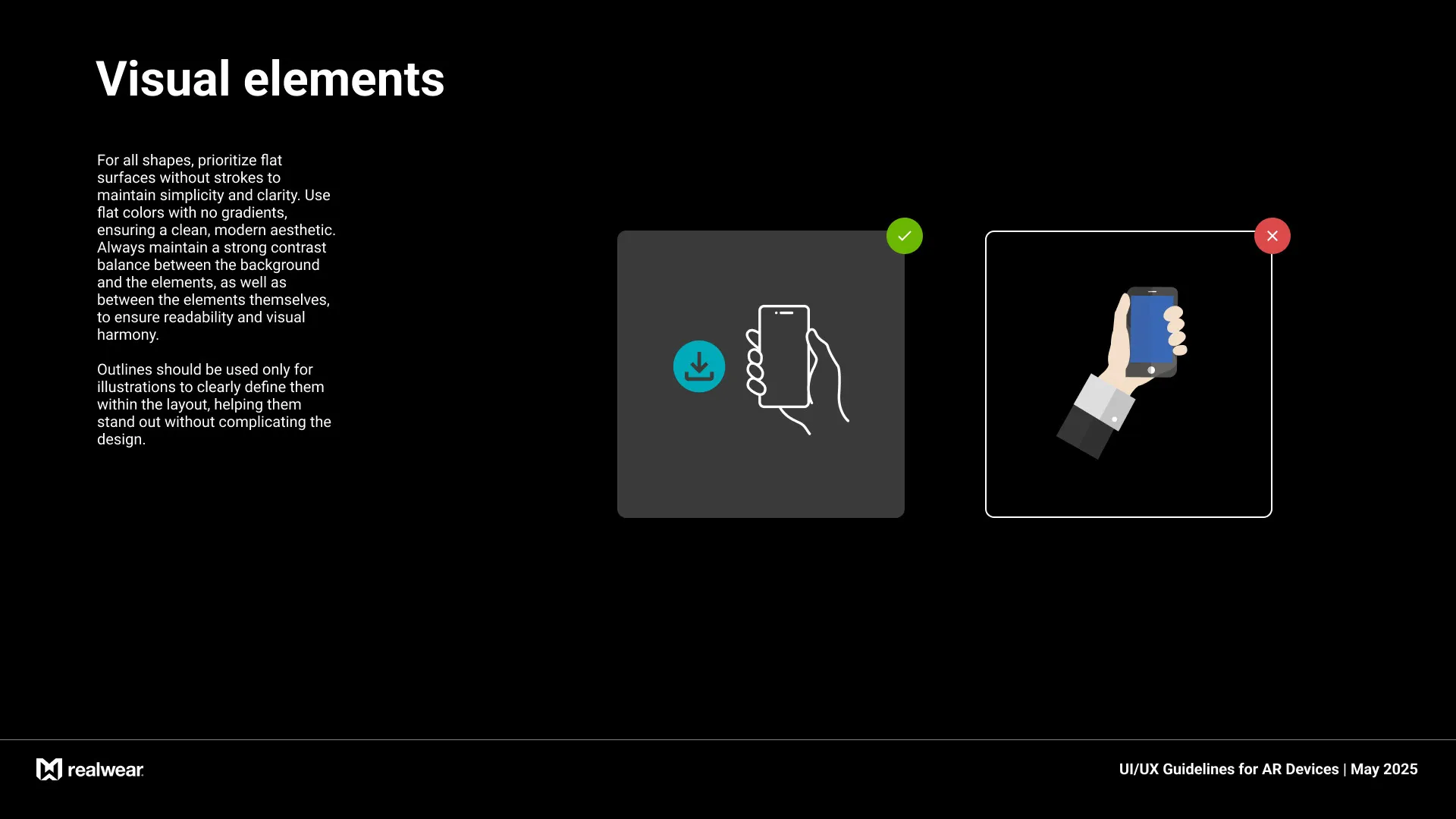
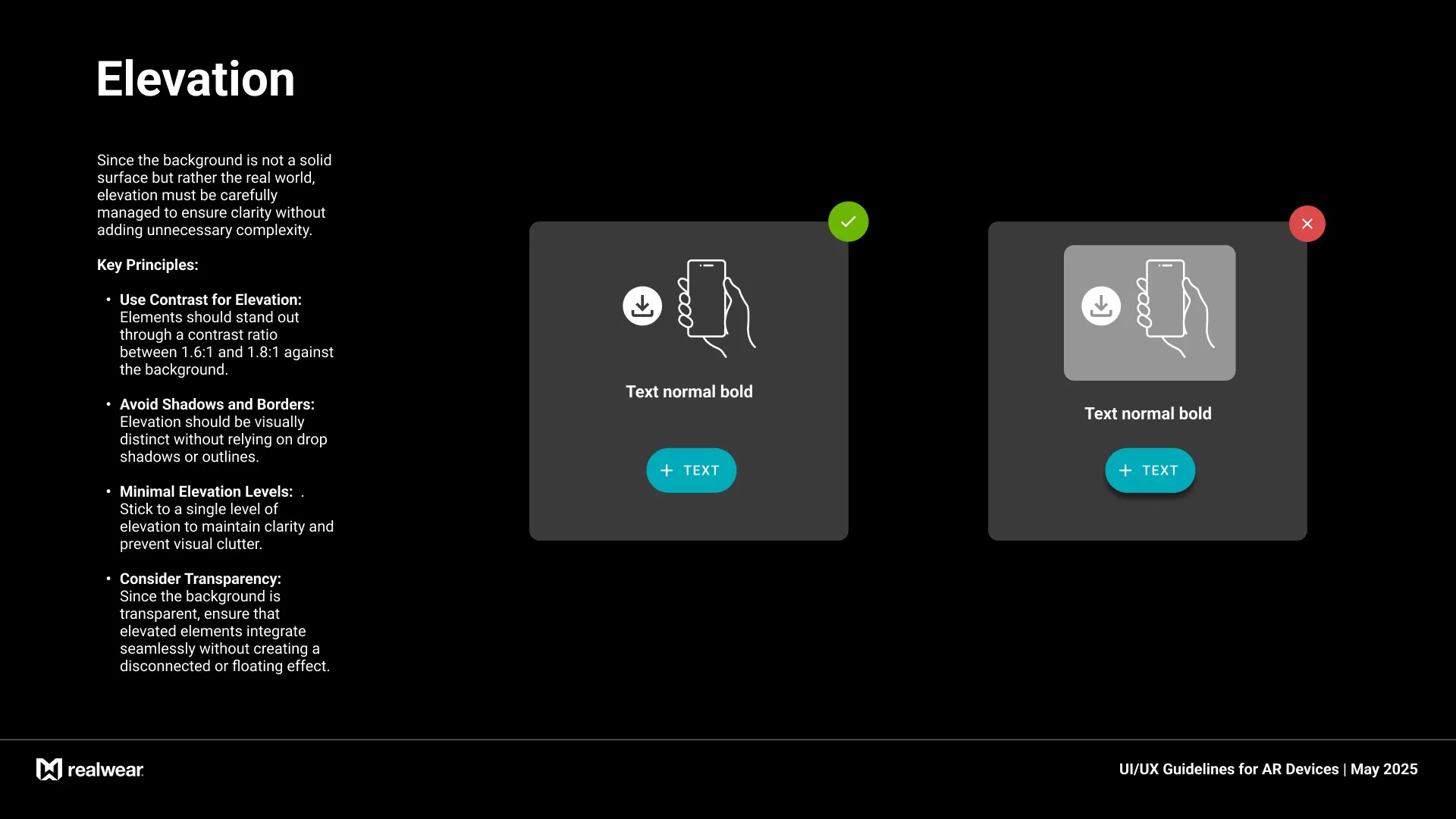
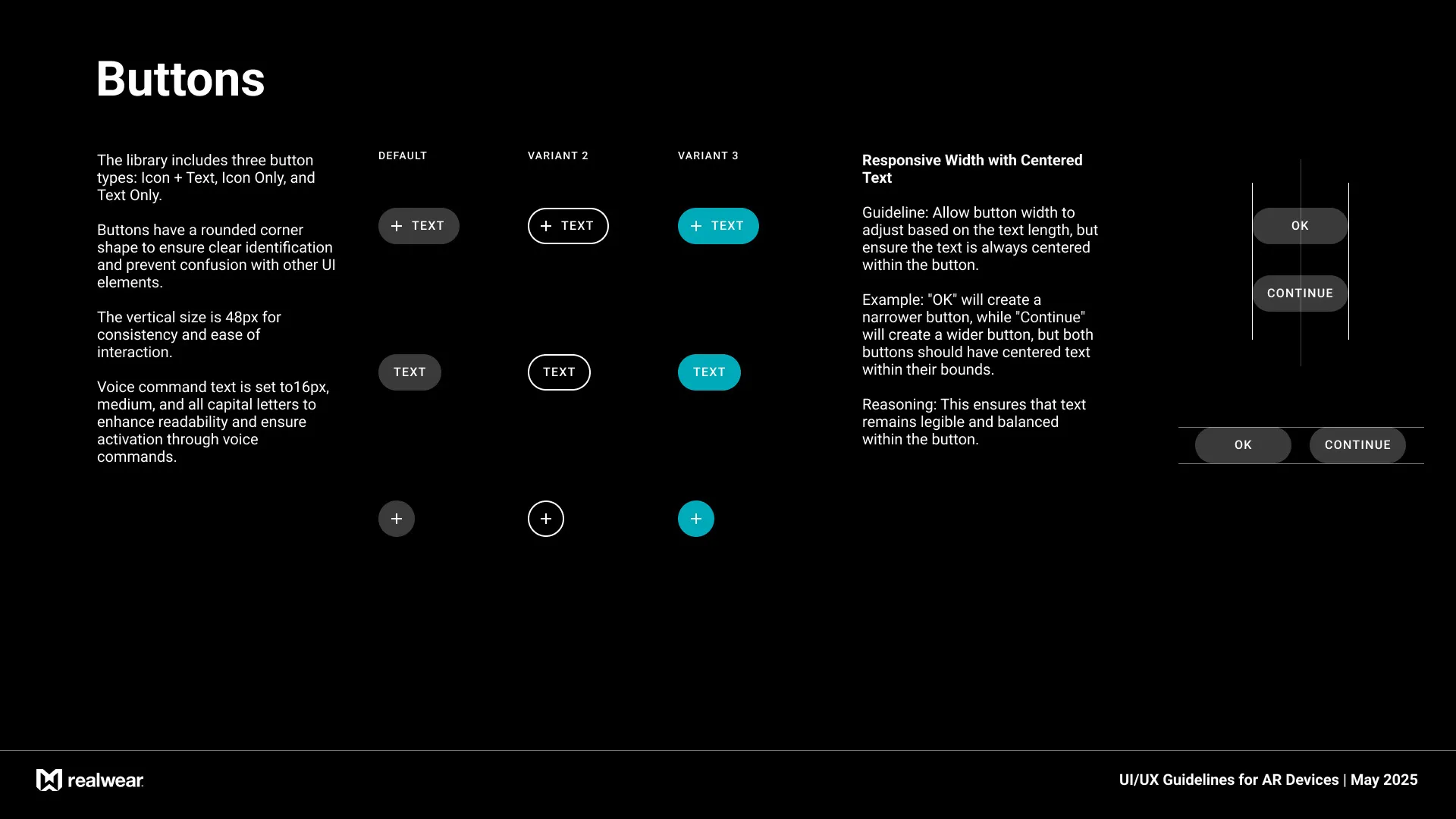
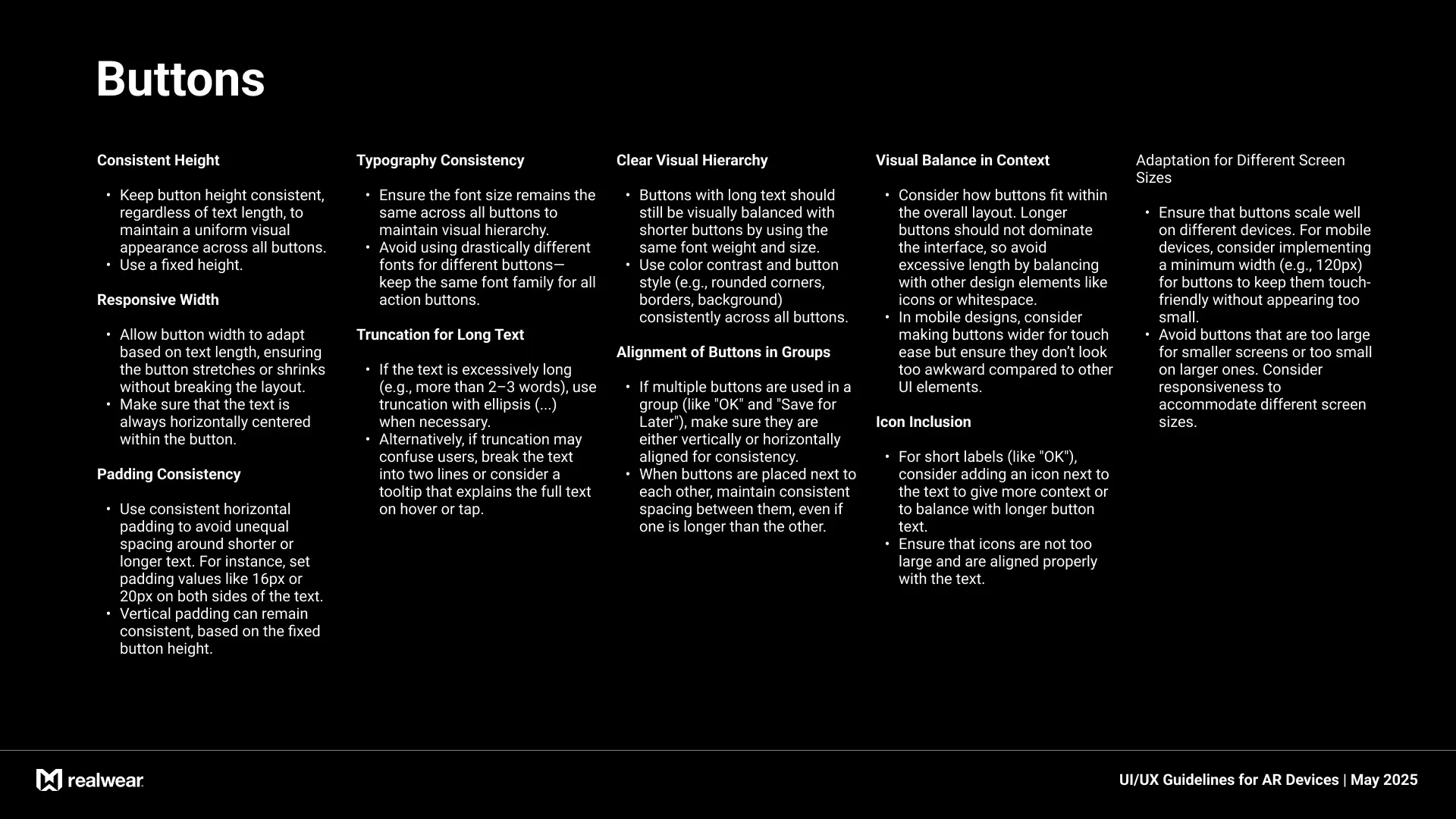
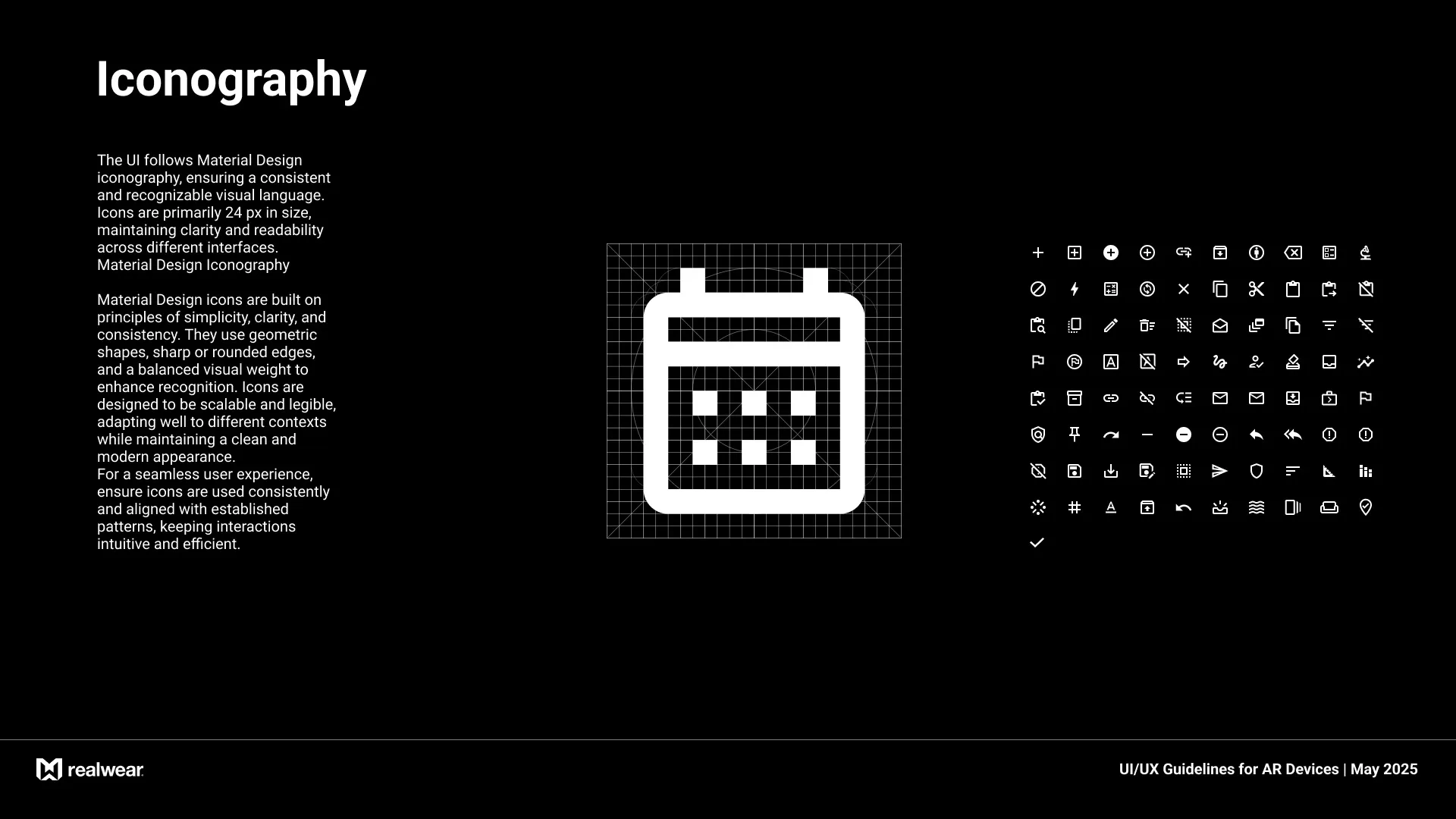
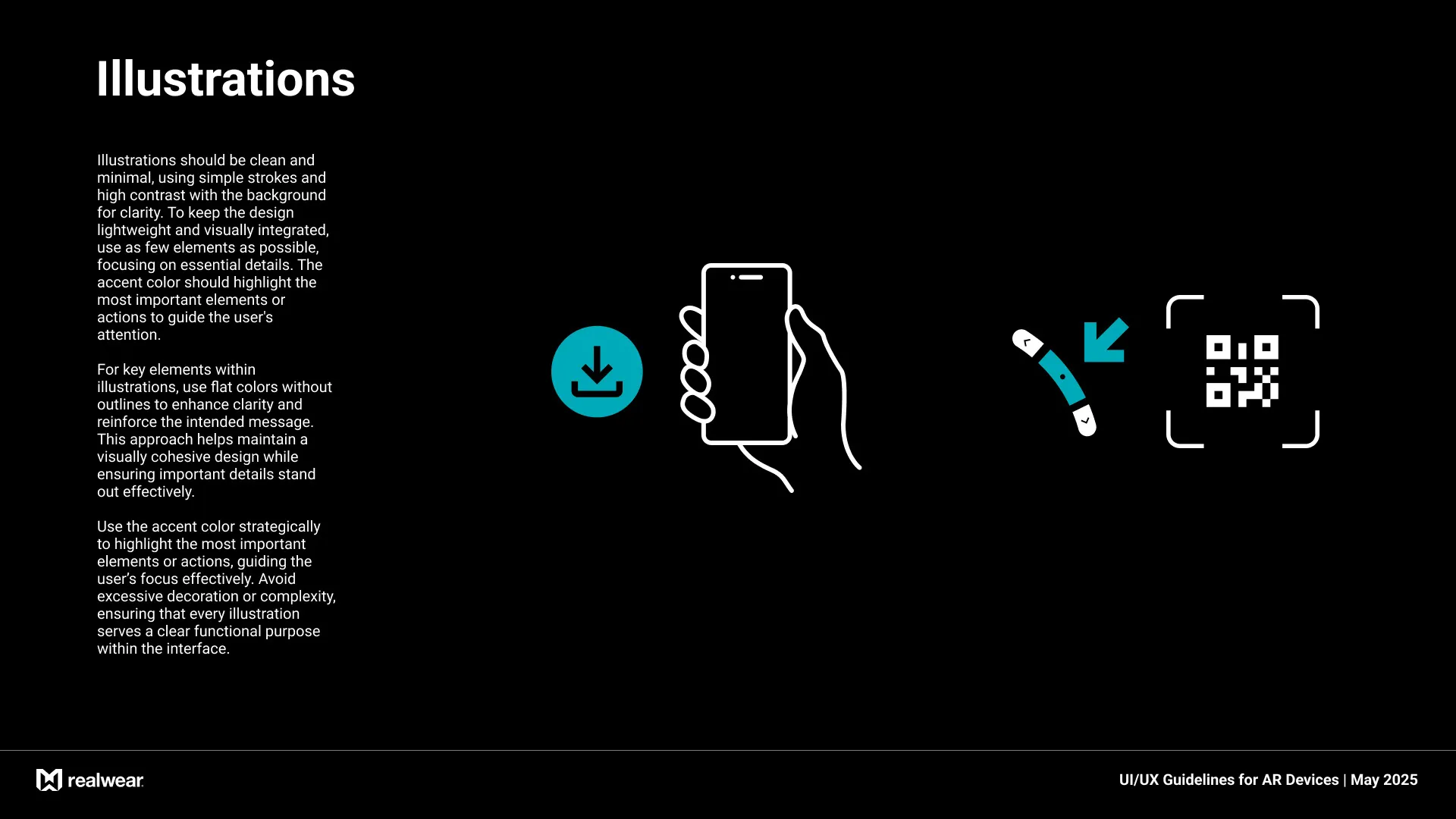
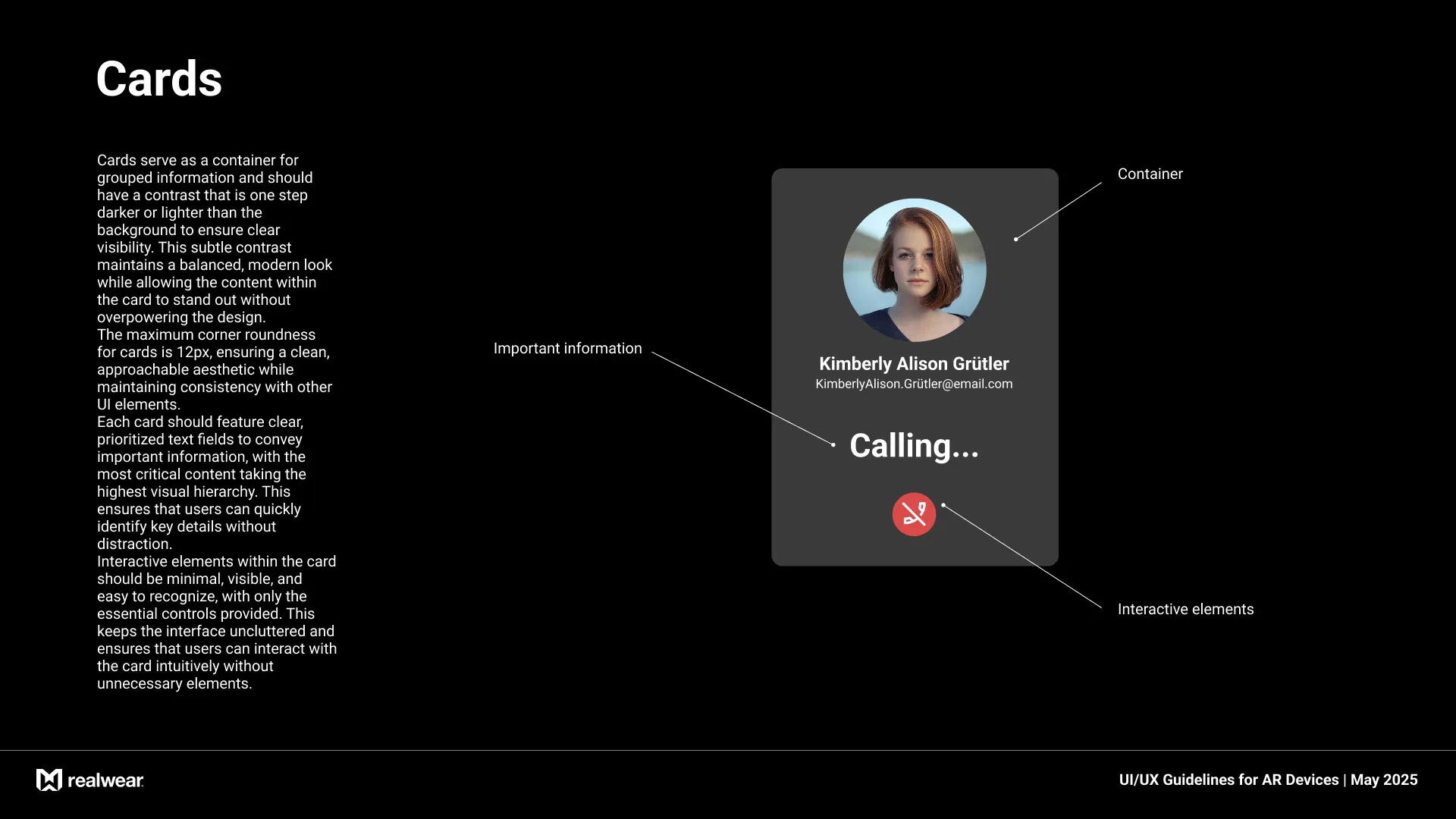
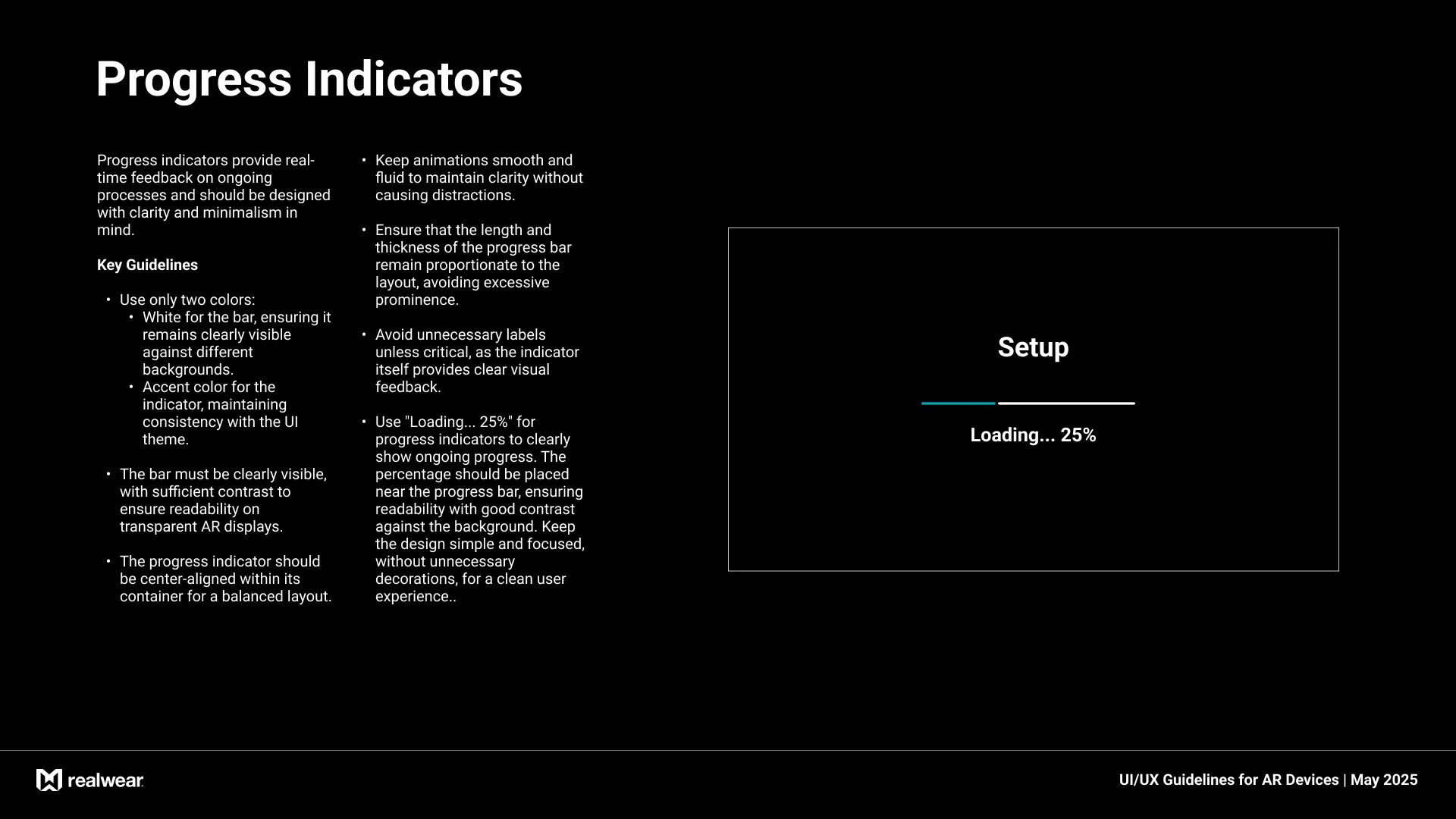
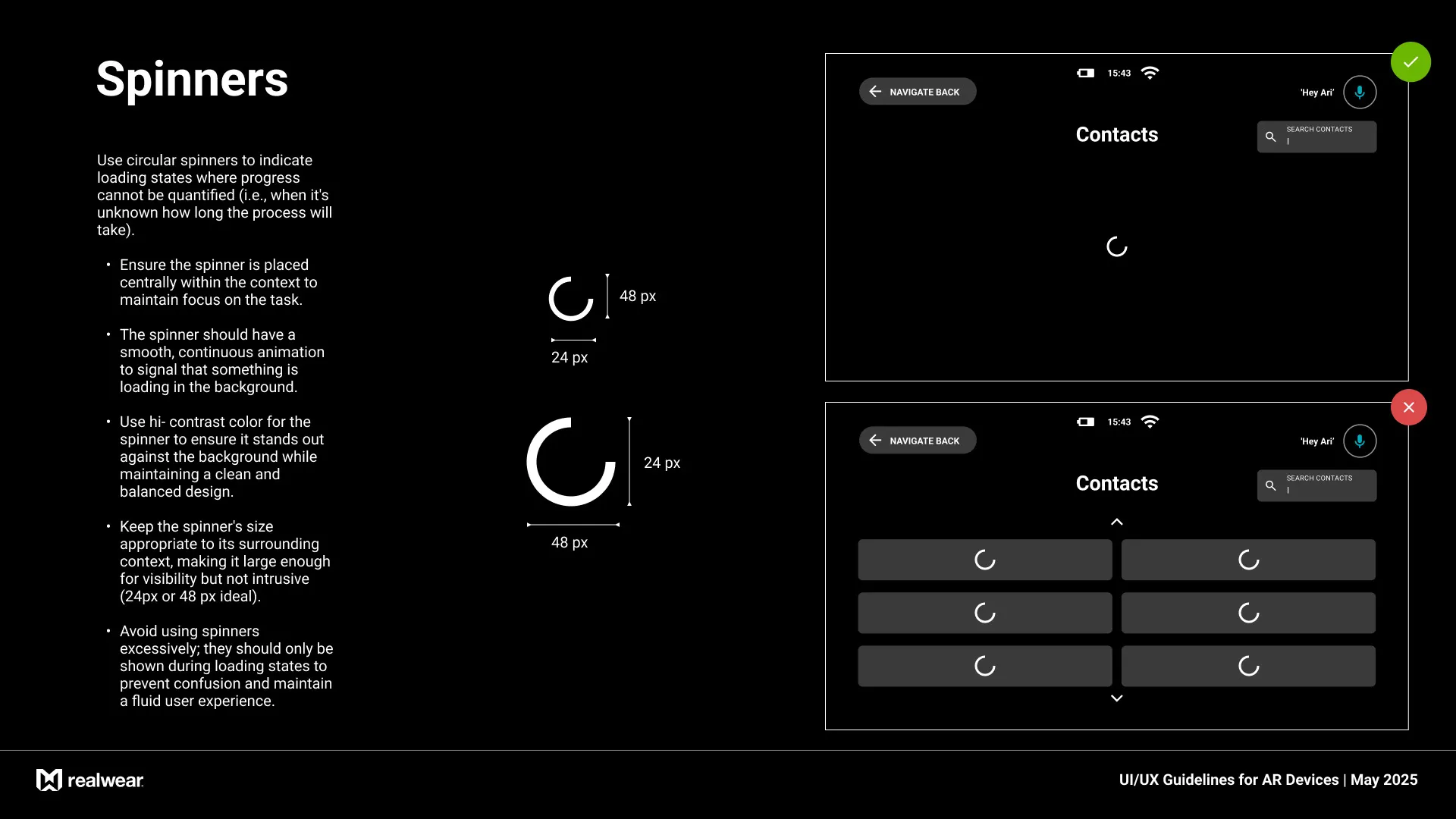
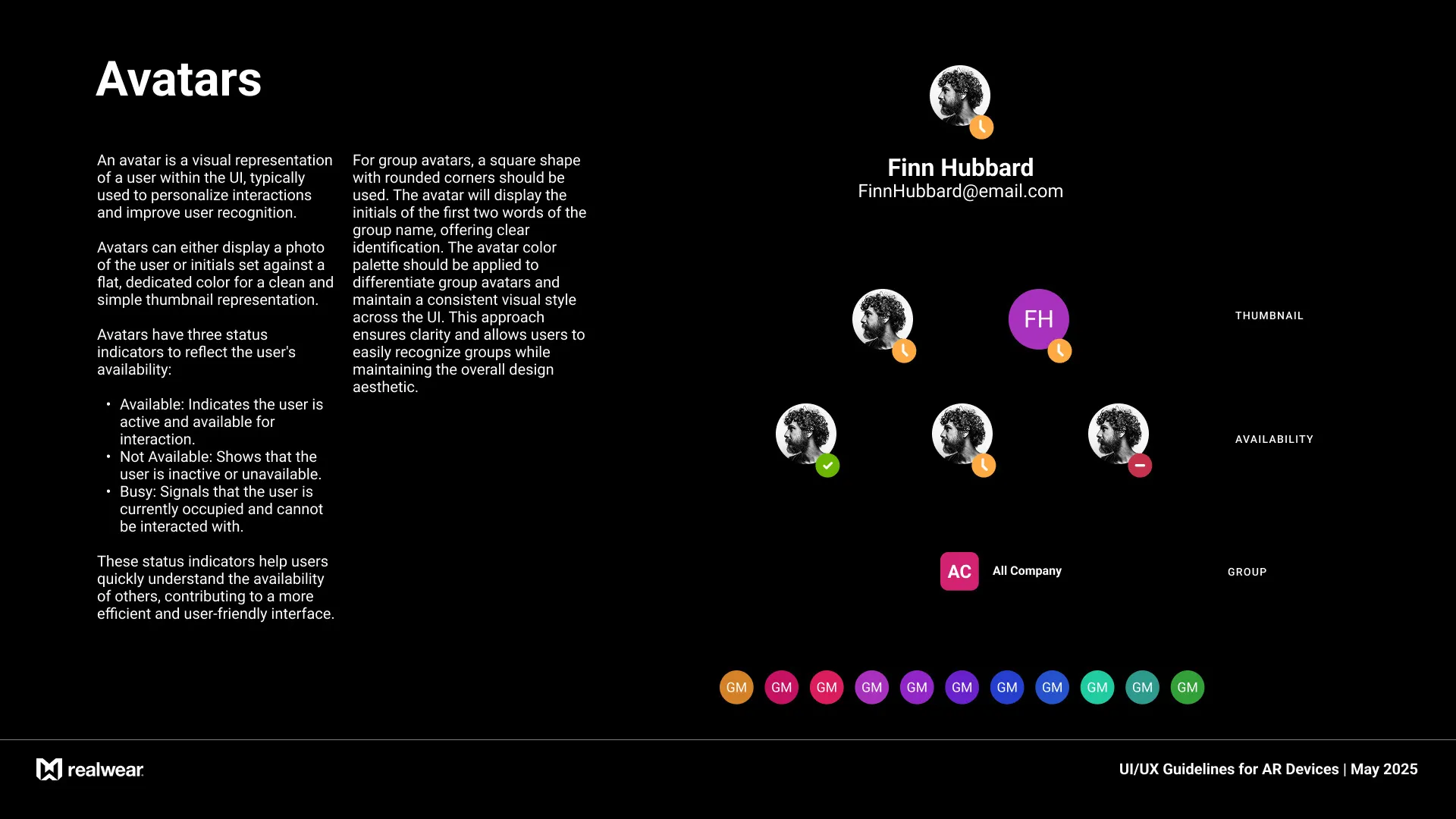
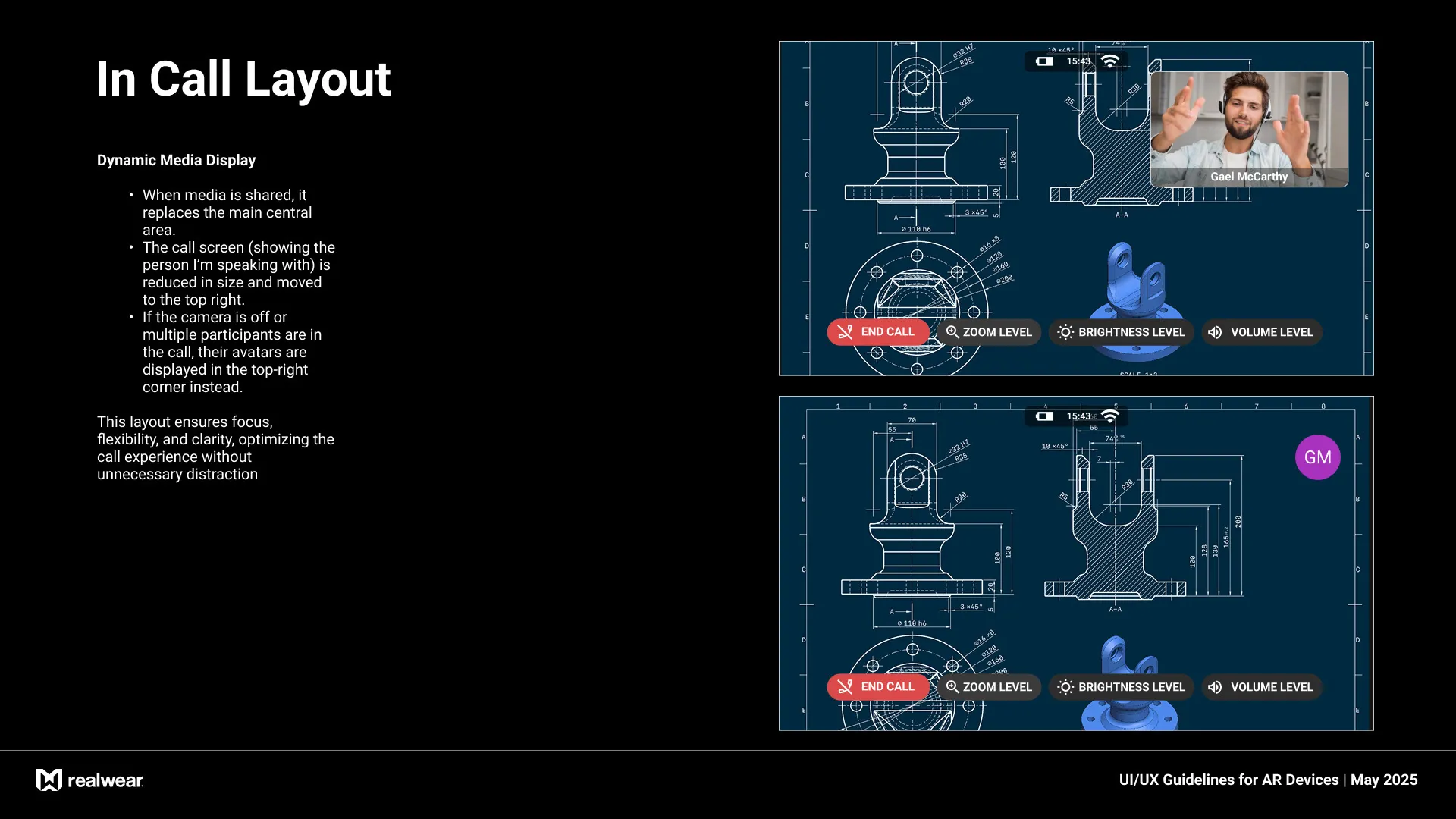
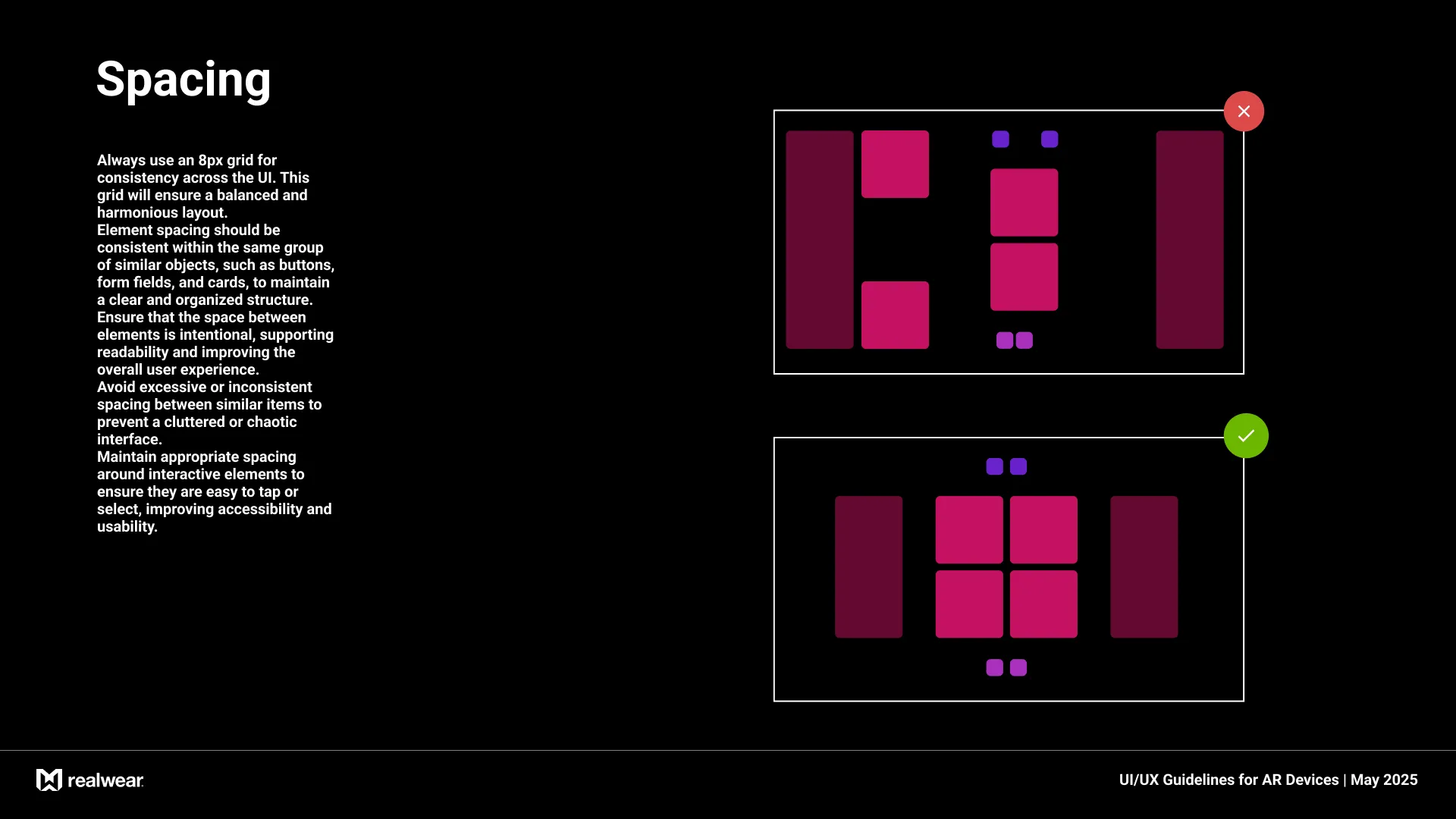
I designed a set of scalable, modular UI components,including buttons, menus, status indicators, and notifications, adapted specifically for AR environments. Each element was optimized for clarity, minimal obstruction, and efficient interaction within the limited visual space of head-mounted displays. I also standardized a custom iconography system designed for small-scale rendering, ensuring legibility and consistency across use cases. Additionally, I developed feedback components that responded to voice commands with clear visual cues for confirmation, errors, and system guidance, supporting a smooth and confident hands-free user experience.
Layout Guidelines
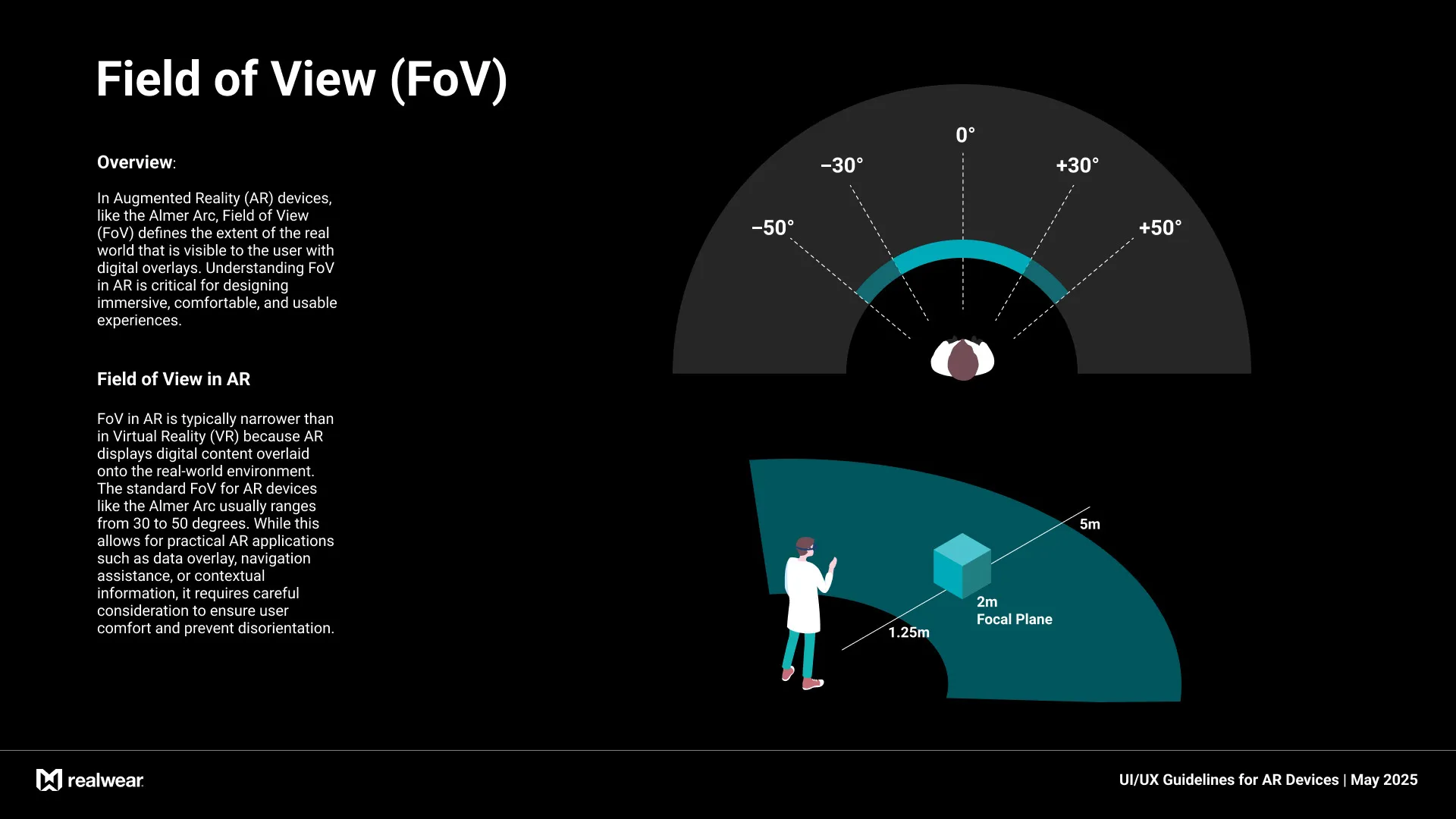
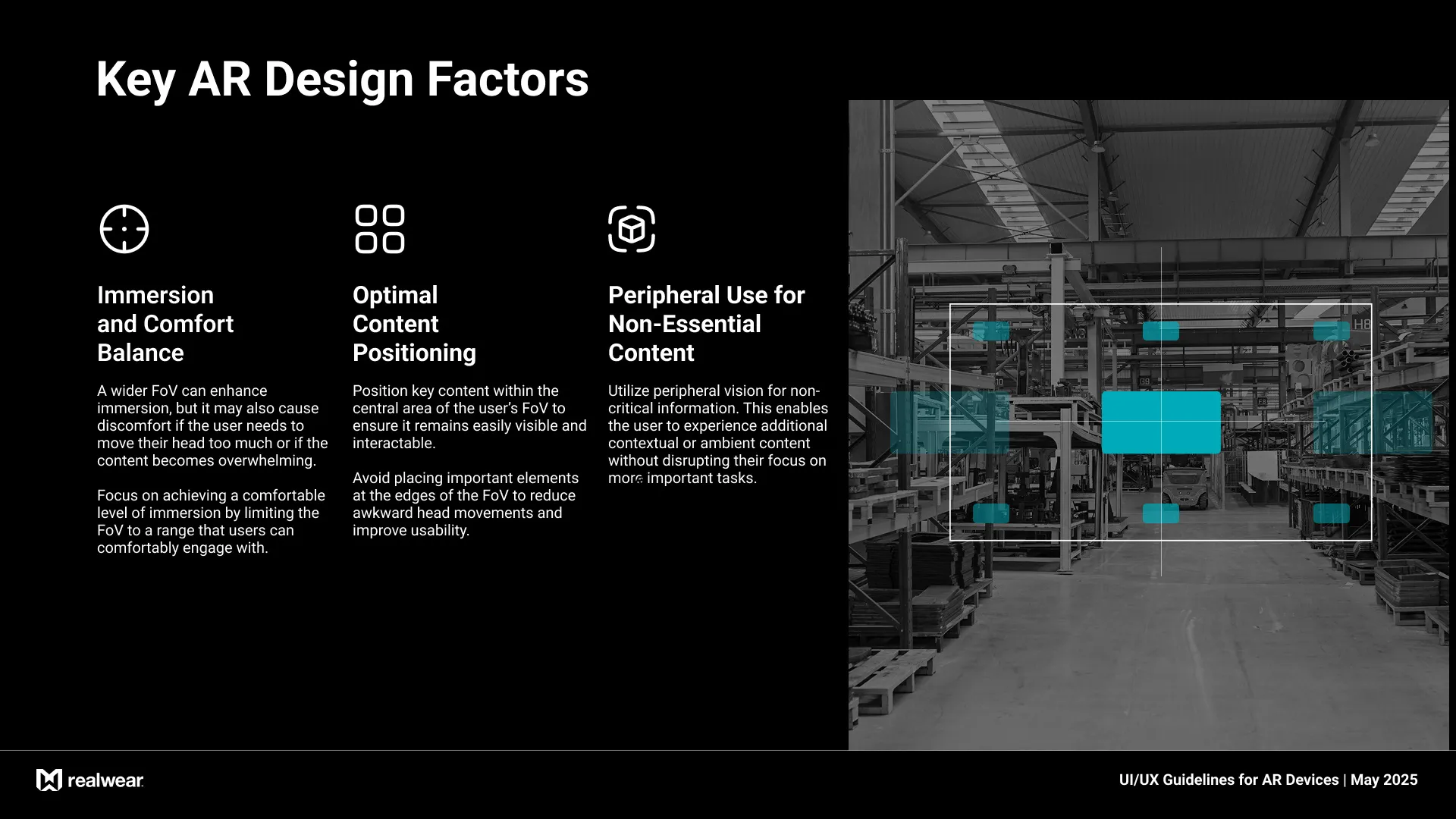
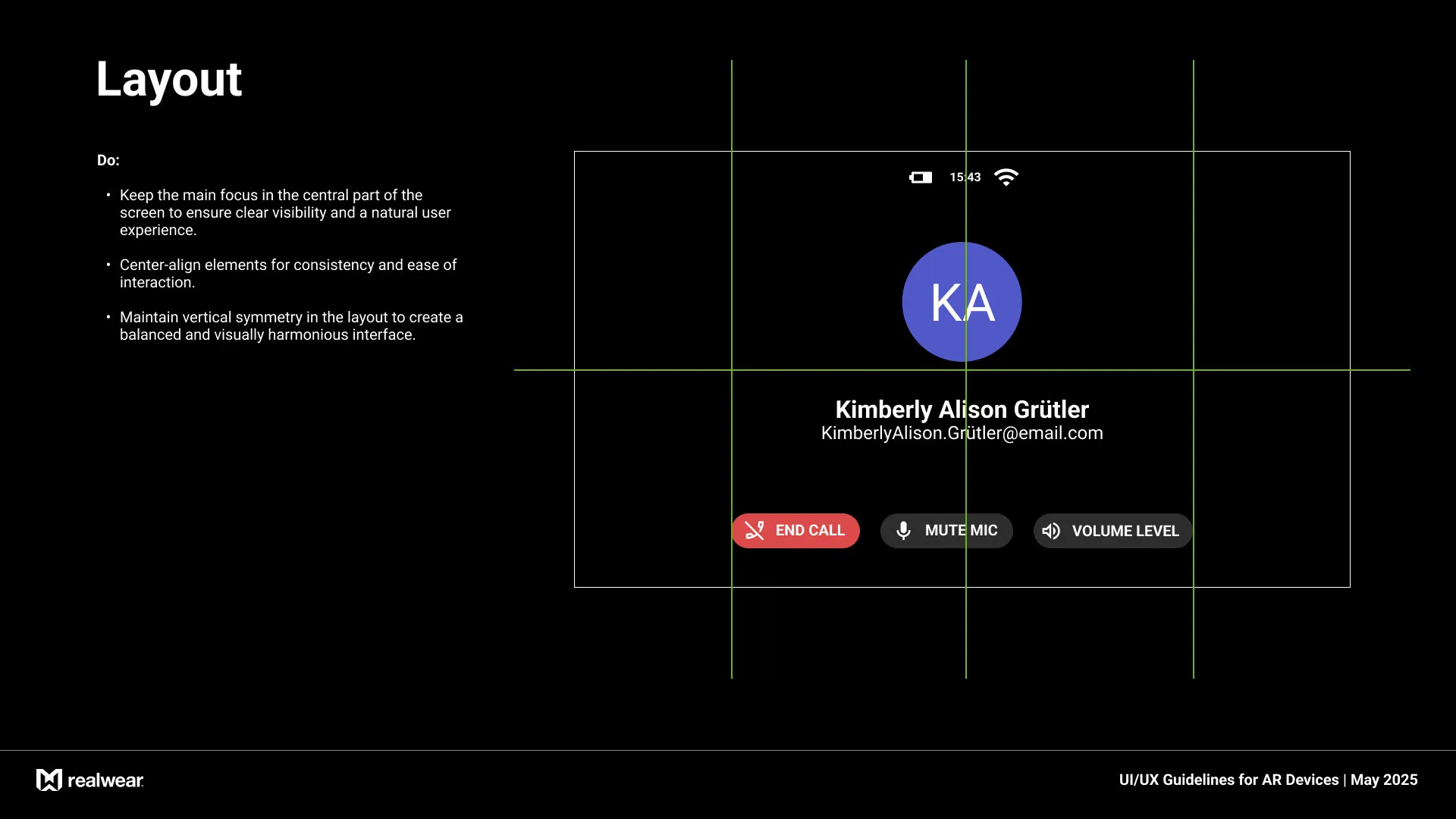
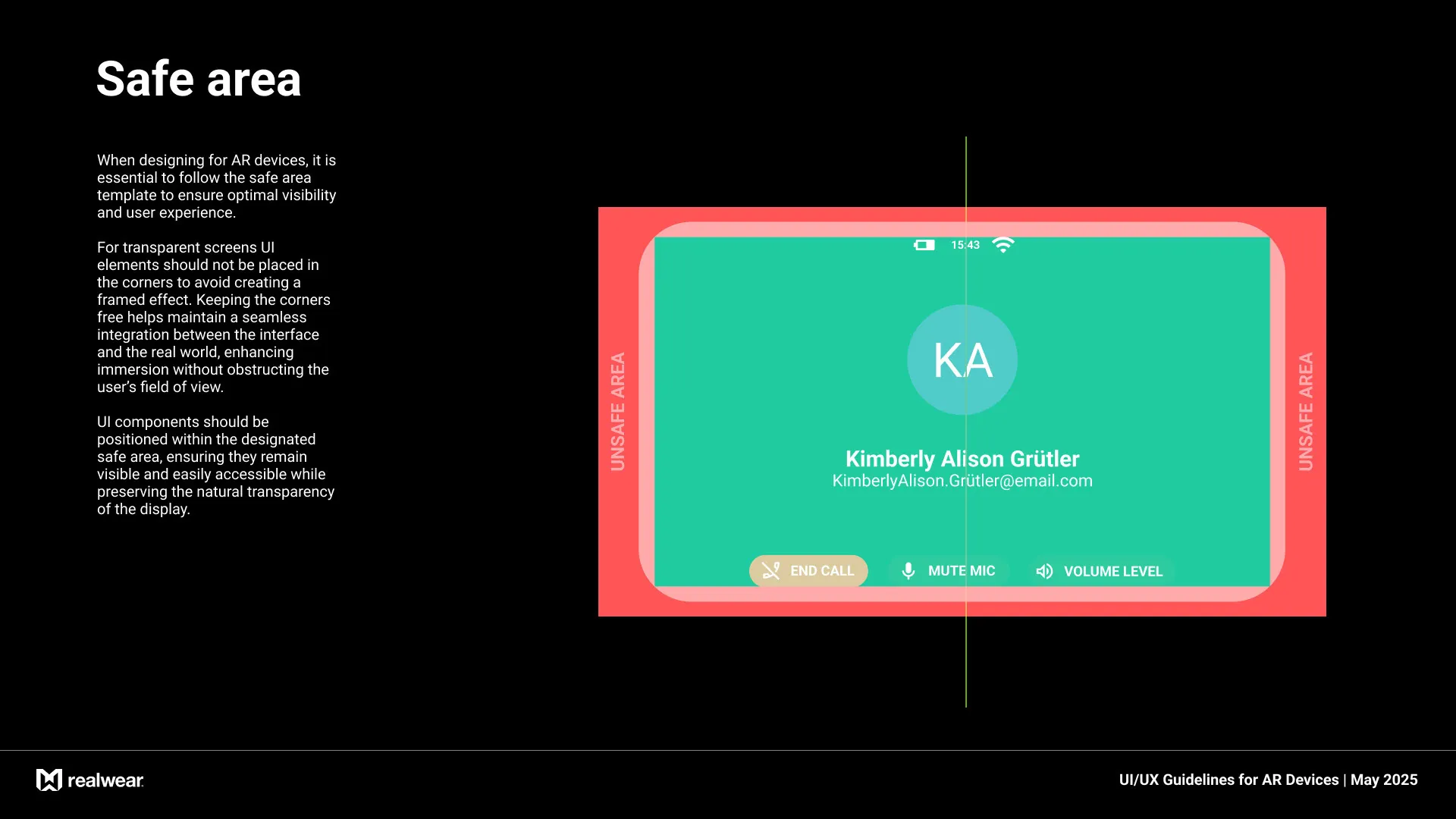
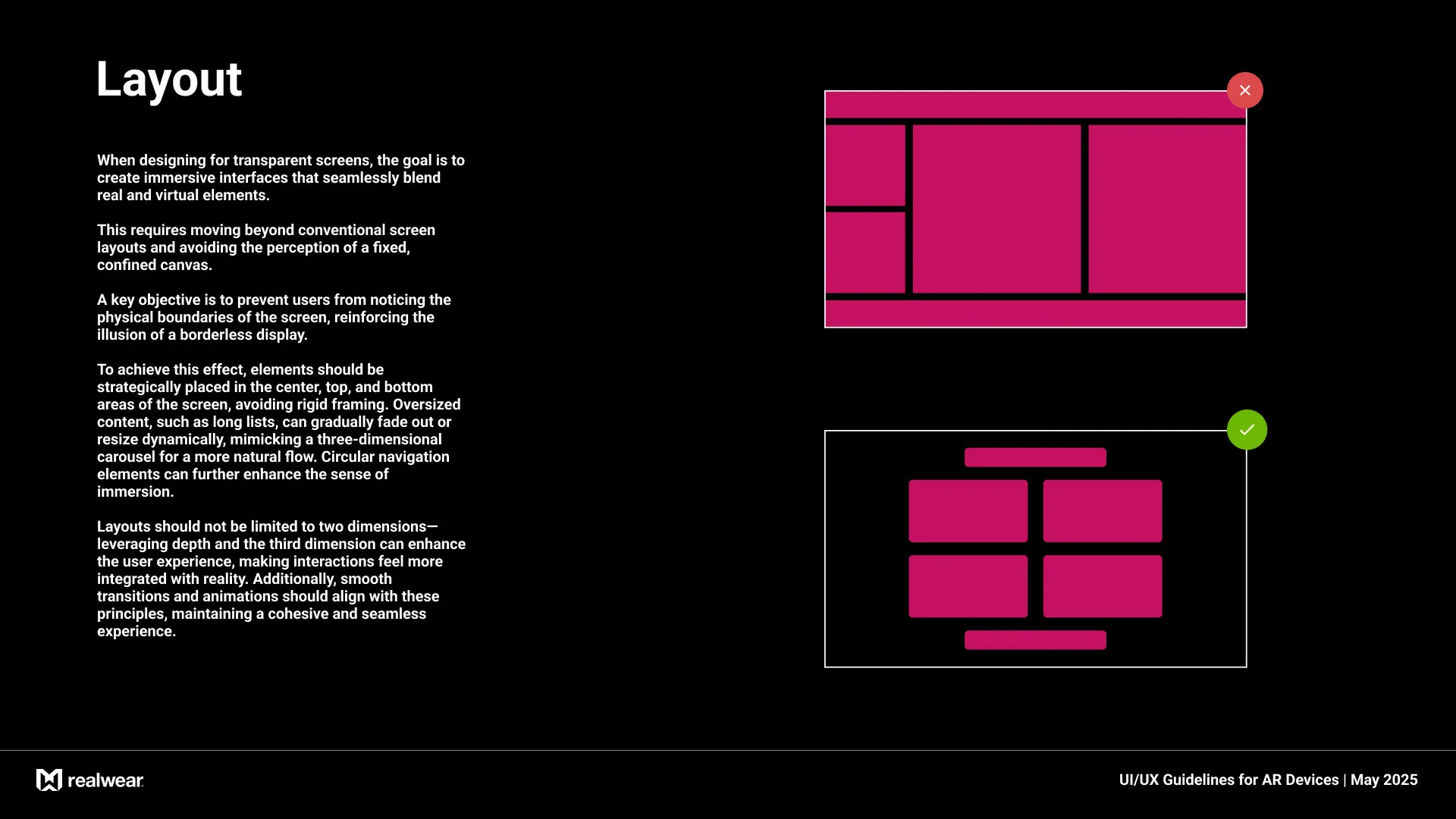
Designing for transparent AR displays required rethinking conventional screen layout principles to create interfaces that blend seamlessly with the real world. The objective was to minimize the perception of screen boundaries and reinforce the illusion of a borderless, immersive experience. Instead of framing content within a fixed canvas, UI elements were strategically placed in central, top, and bottom areas of the field of view, avoiding rigid edges. Oversized elements like lists were designed to dynamically fade or resize, mimicking three-dimensional carousels and enabling more fluid interactions. Circular navigation patterns and layered depth were introduced to enhance spatial awareness and move beyond flat, two-dimensional layouts. Transitions and animations were carefully designed to support this immersive approach, helping interactions feel natural, responsive, and integrated with the user’s real environment.
Information Architecture
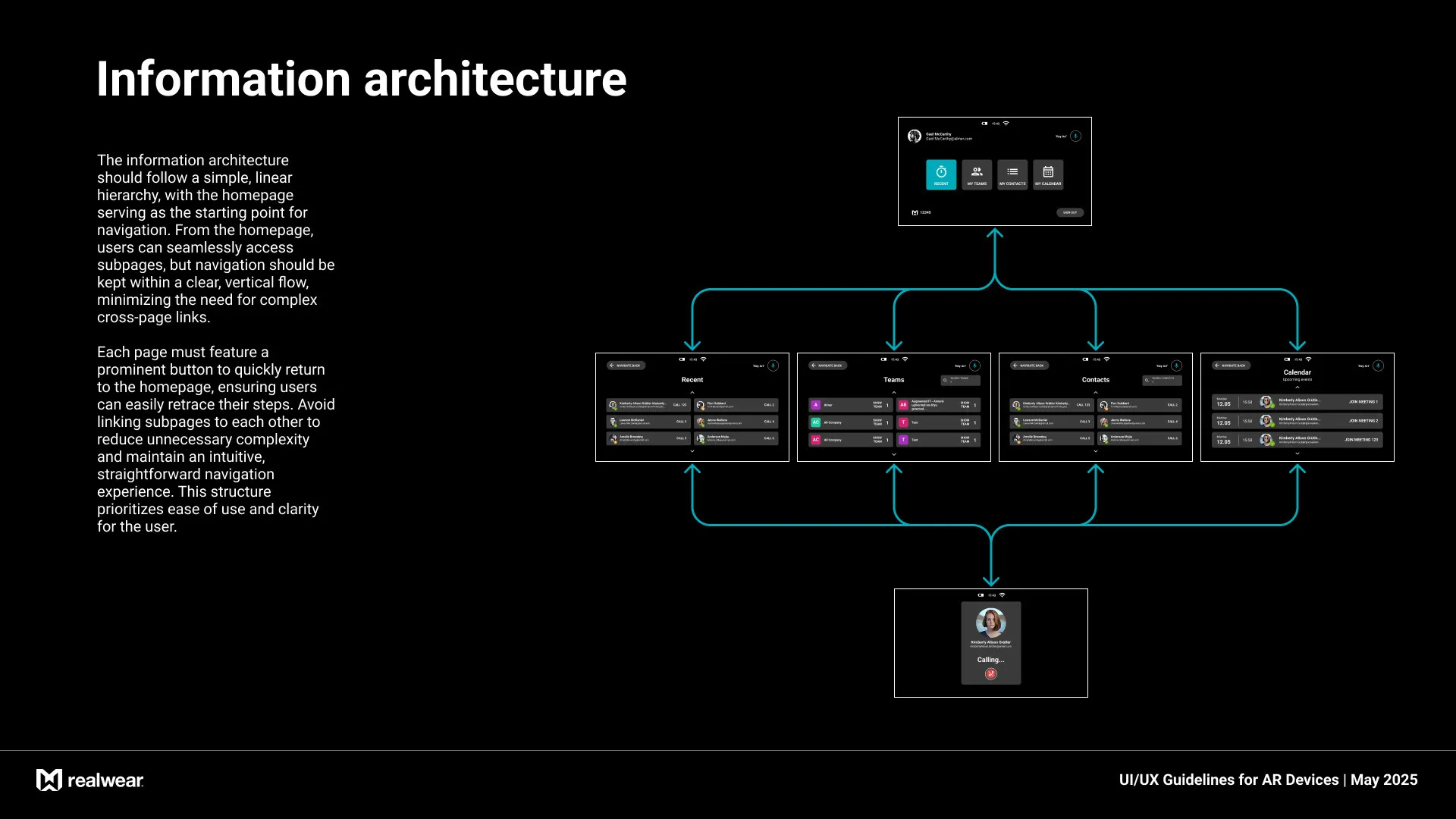
The information architecture was designed around a simple, linear hierarchy to support intuitive navigation in a hands-free AR environment. The homepage functions as the central hub, providing direct access to subpages in a clear vertical flow. To maintain simplicity and reduce cognitive load, cross-linking between subpages was intentionally avoided. Each screen includes a prominent return-to-home button, allowing users to easily retrace their steps at any point. This structure ensures clarity, minimizes navigation friction, and supports a focused, task-oriented user experience.
INTERACTION
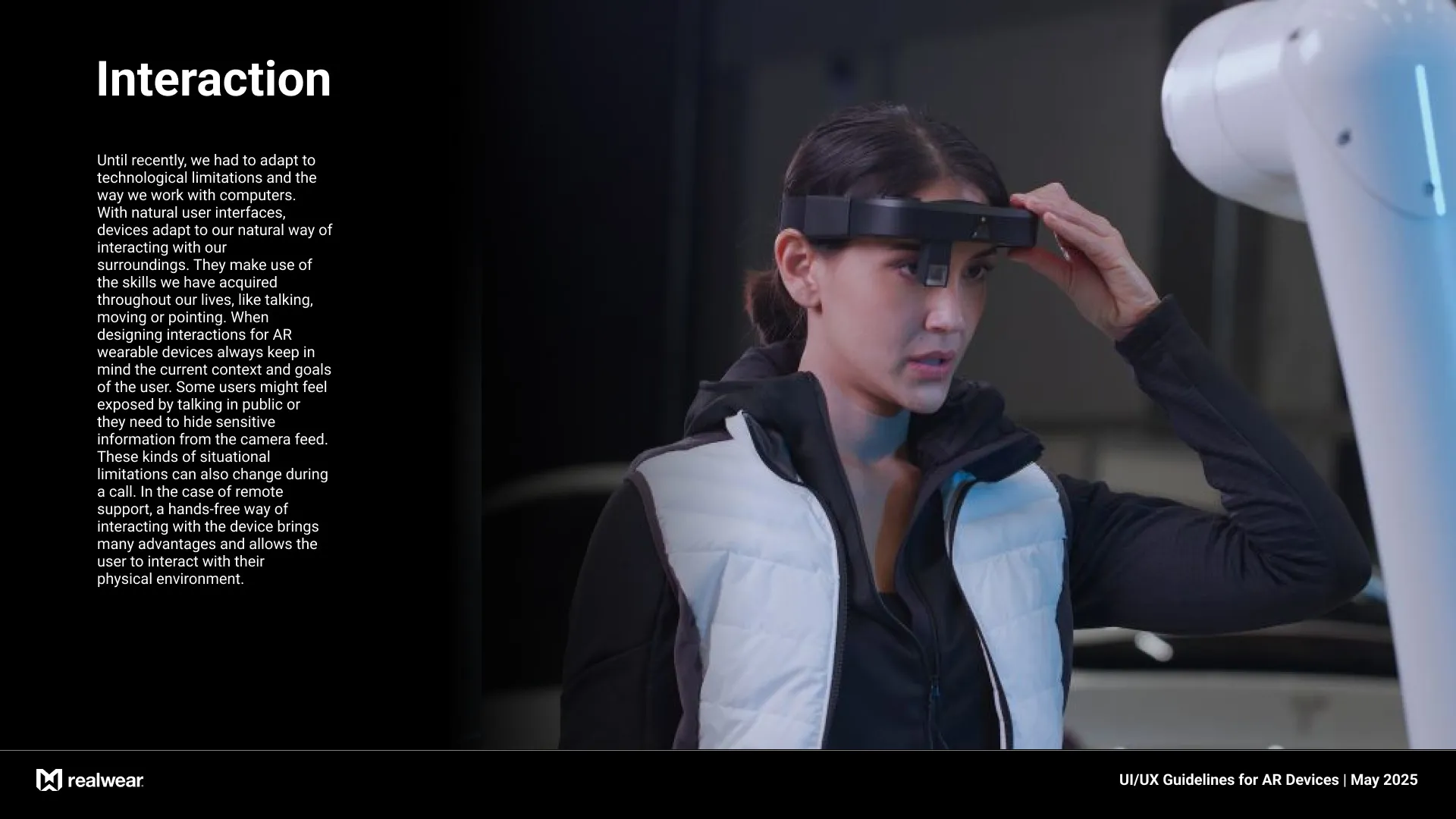
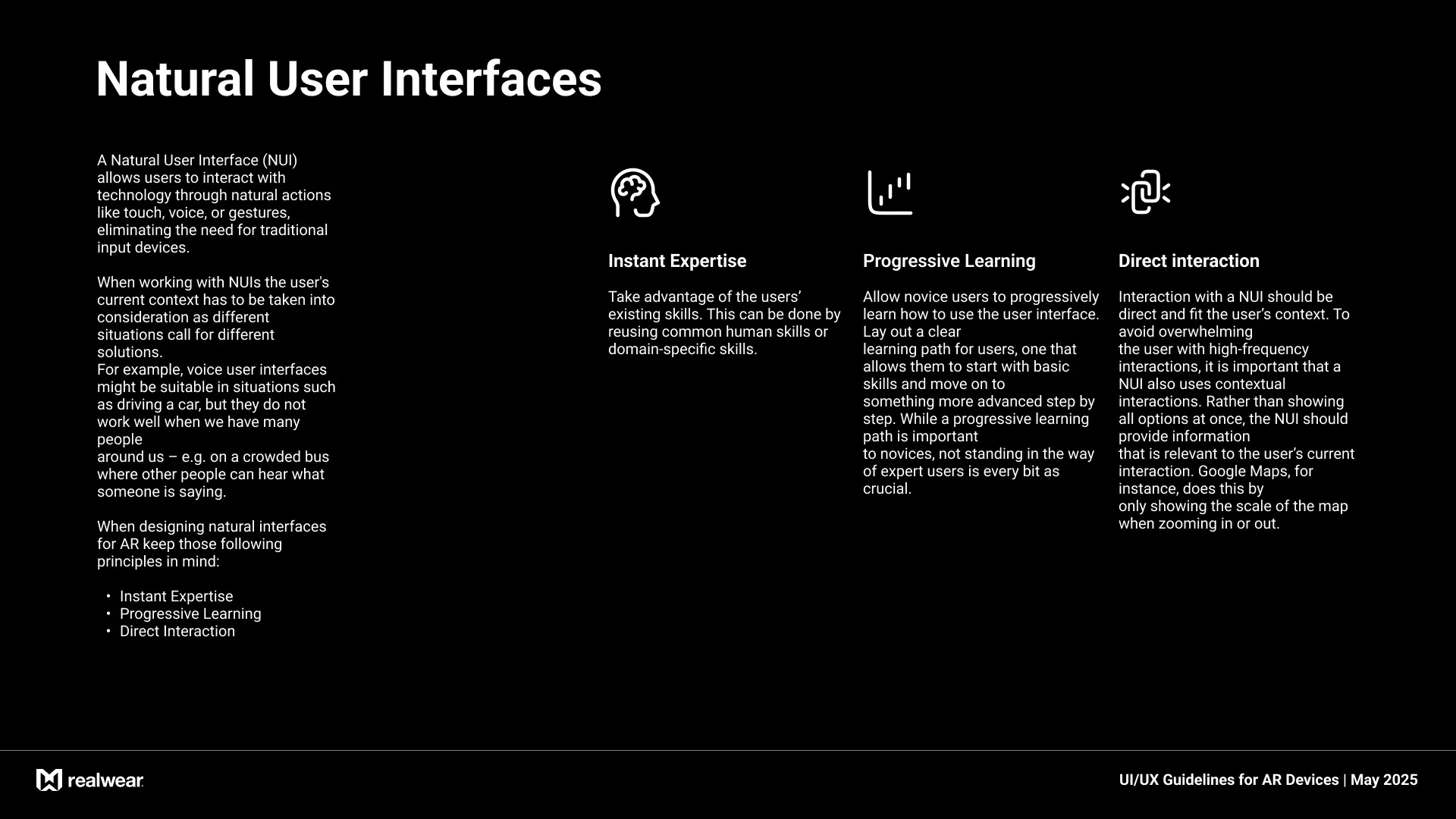
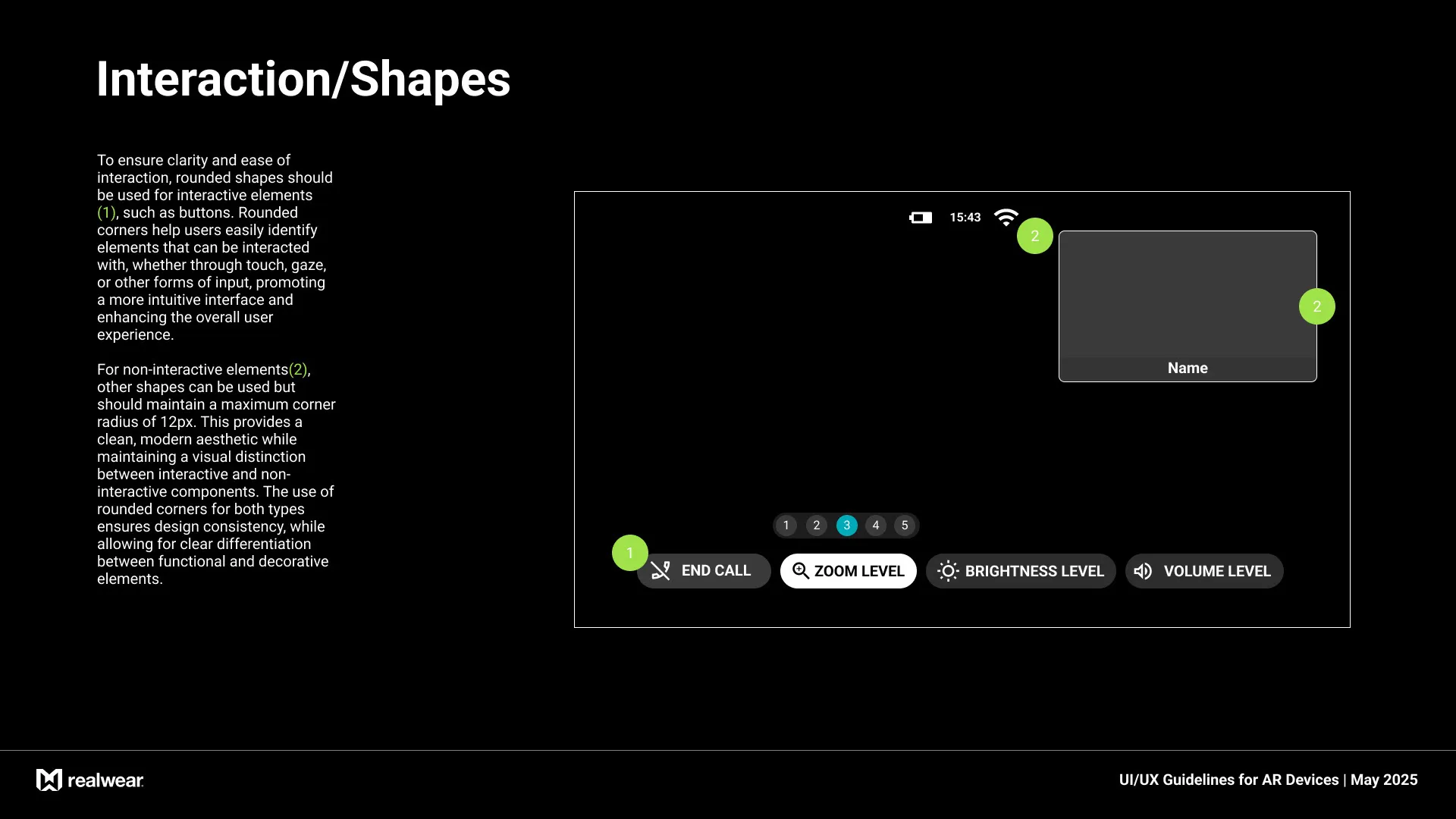
I developed interaction guidelines tailored specifically to hands-free, voice-first environments. I defined a taxonomy of interaction shapes, where each UI element’s form visually communicated its interactive behavior:for example, rounded shapes indicated tappable or voice-selectable actions, while angular or directional shapes suggested navigation or progression. These visual cues provided intuitive affordances in the absence of touch input.
Additionally, I created comprehensive voice interaction patterns, including command phrasing, feedback timing, and confirmation protocols, ensuring the interface responded clearly and reliably even in noisy industrial settings. The guidelines ensured that all voice-triggered elements had visual and auditory feedback, reinforcing user confidence in task execution.
Additionally, I created comprehensive voice interaction patterns, including command phrasing, feedback timing, and confirmation protocols, ensuring the interface responded clearly and reliably even in noisy industrial settings. The guidelines ensured that all voice-triggered elements had visual and auditory feedback, reinforcing user confidence in task execution.

Outcome
The resulting design system became the foundation for all RealWear AR applications, ensuring a consistent, intuitive, and accessible user experience. It improved task completion time, reduced user error rates, and provided a scalable framework for future product iterations.